

Product ads · Design Lab and Image Studio
Product ads in every size
Make AI ads for your product in every size, from a square feed post to a story and a display banner. Domi, DDream's AI creative director, works from a photo of the product and a short brief, and sets your headline as real text.
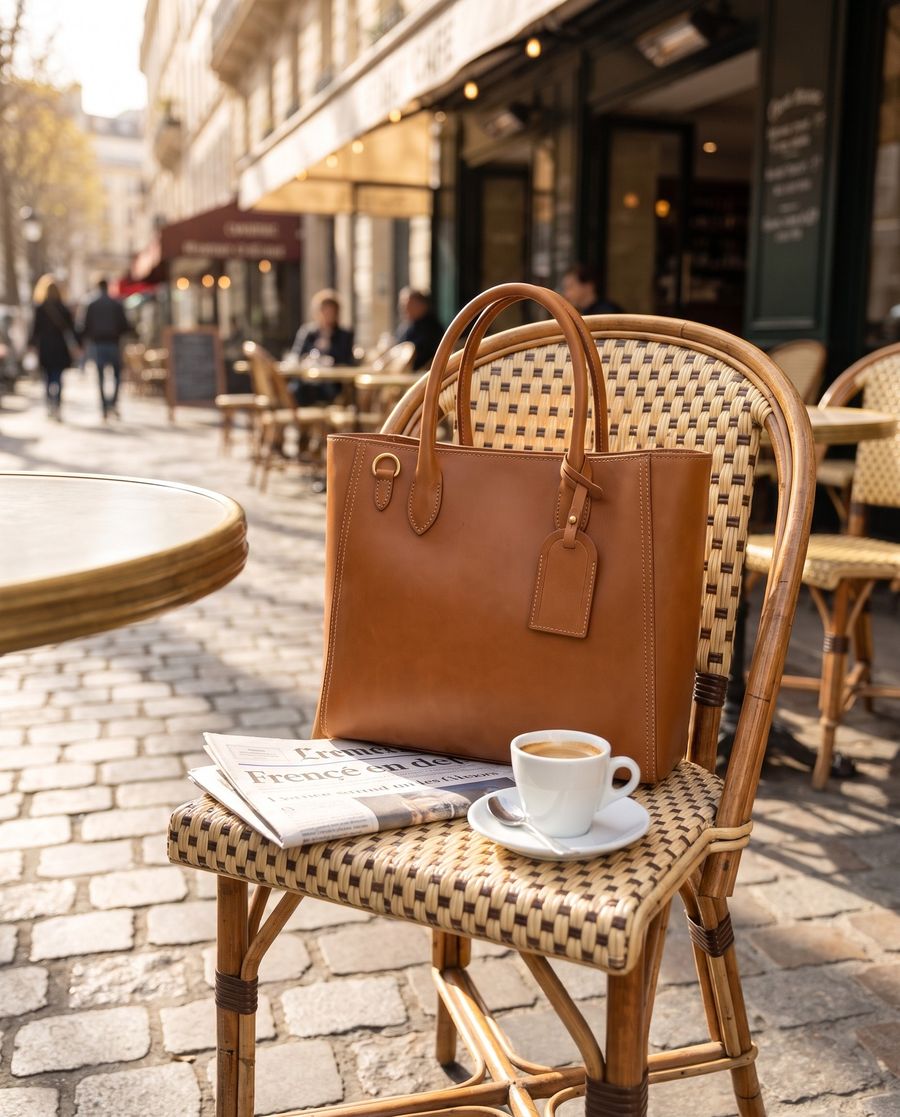
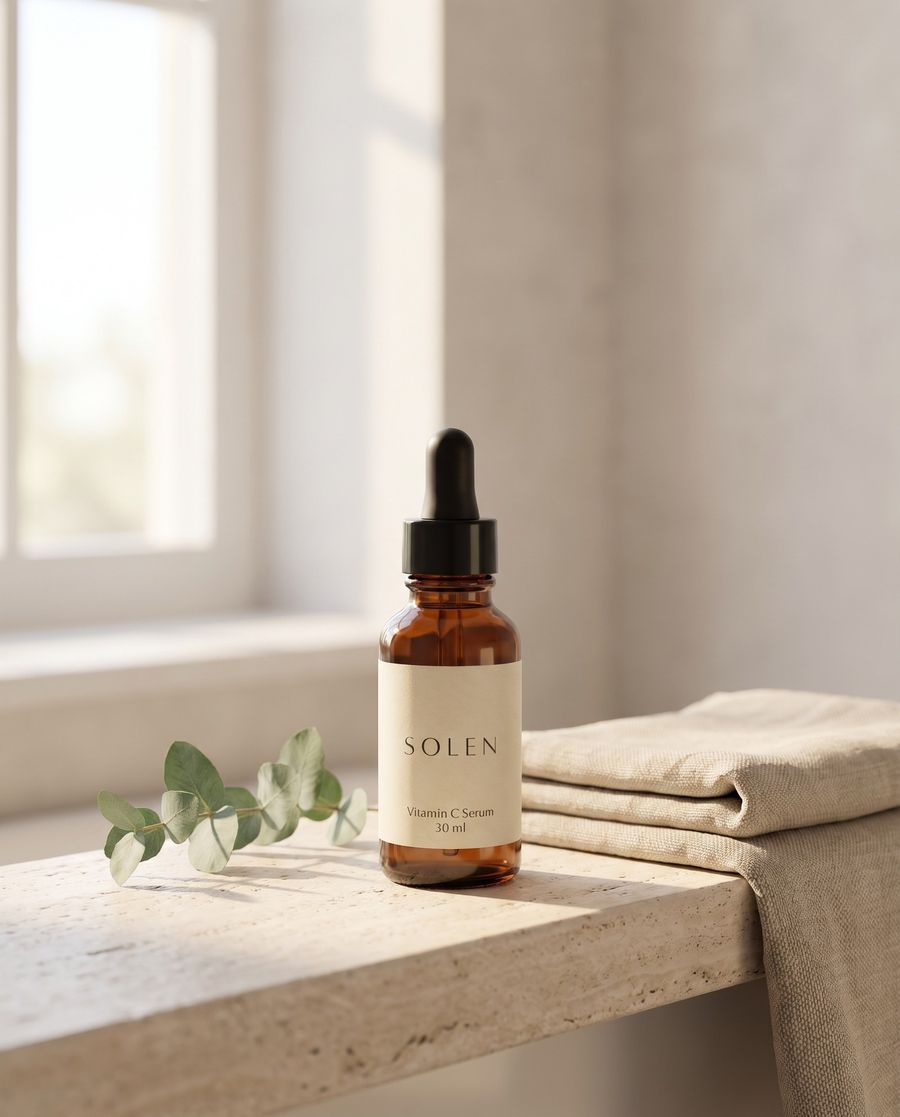
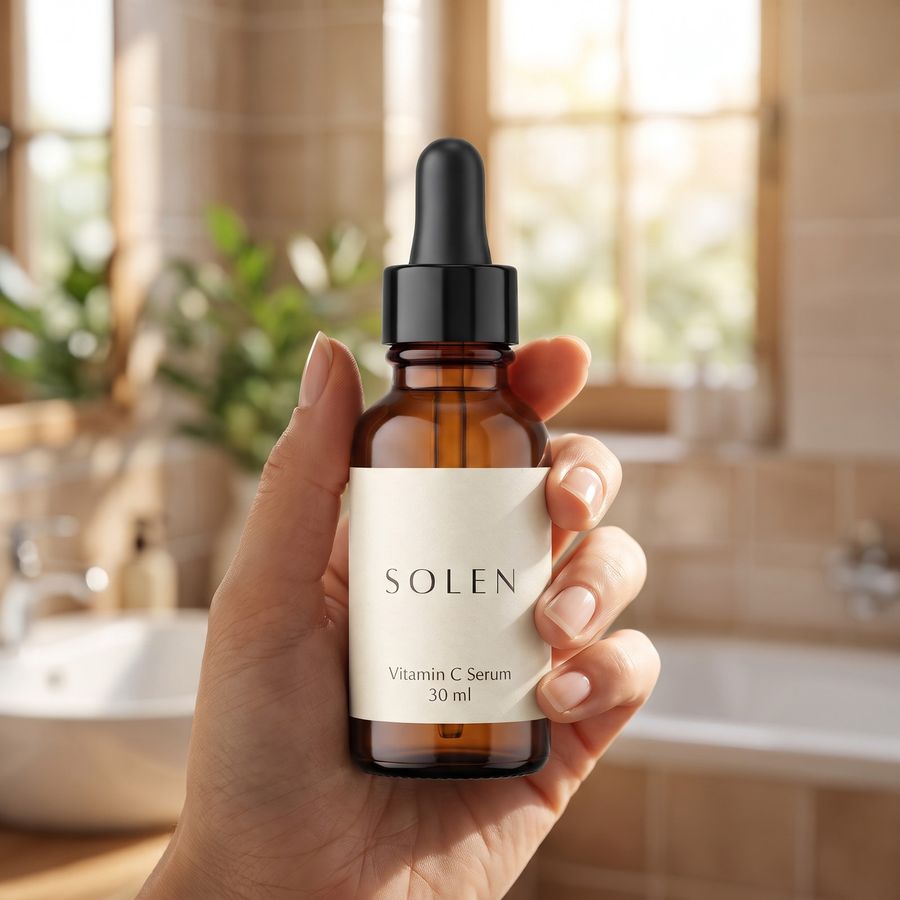
How it works
Say what you sell, and where
Tell Domi what the product is, who the ad is for and where it will run. Drop in a photo of the product and your logo.
Pick one of her options
Domi takes your brief into Design Lab, stages the product and sets your headline as real text. She shows you options, and you choose one.
Get every size from one file
Circle anything you want changed and say what it should be. Then download the ad in every shape your placements need, all from one file.
Ad sizes for Facebook, Instagram, TikTok, Google and Pinterest
Most product ads run in four shapes (1:1, 4:5, 9:16 and 1.91:1), and Pinterest adds a tall 2:3. As of November 2026, the platforms' own help pages recommended these sizes for image ads:
| Placement | Shape | Recommended size | Watch for |
|---|---|---|---|
| Facebook Feed | 4:5 | 1440 × 1800 px | Minimum width 600 px |
| Instagram Feed | 4:5. Anything from 1.91:1 to 4:5 is accepted | 1440 × 1800 px | Minimum width 500 px |
| Instagram Stories and Reels | 9:16 | 1440 × 2560 px | Keep about 14% at the top, 35% at the bottom and 6% at each side free of text and logos |
| TikTok carousel | Vertical, square or horizontal | 720 × 1280, 640 × 640 or 1200 × 628 px | JPG or PNG. TikTok suggests files of 100 KB or less |
| Google responsive display | 1.91:1 and 1:1 | 1200 × 628 and 1200 × 1200 px | Minimums 600 × 314 and 300 × 300 px. Up to 5120 KB. Logos in 1:1 and 4:1 |
| Pinterest standard ad | 2:3 | 1000 × 1500 px | Pins taller than 2:3 may be cut off in the feed |
Specs change, so open each platform's page under Sources before you upload.
How to make one ad in every size
Cropping a 1.91:1 banner down to 9:16 cuts away most of it. Stretching a square ad into a story leaves bands of empty space. Each shape needs the same ad rearranged, with the product moved, the headline set again to fit and the background carried further.
That is how Design Lab makes the sizes. The headline is real, editable text, so it reads the way you wrote it in every size. The artwork comes in layers you can move, and every size comes from one file.
The product stays the same from size to size. Image Studio makes product photos that keep your product as it is, up to 4K and in any aspect ratio, so the ad can start from a photo you already approved.
Name every placement in your first message, so the sizes are part of the brief. Then compose for each shape.
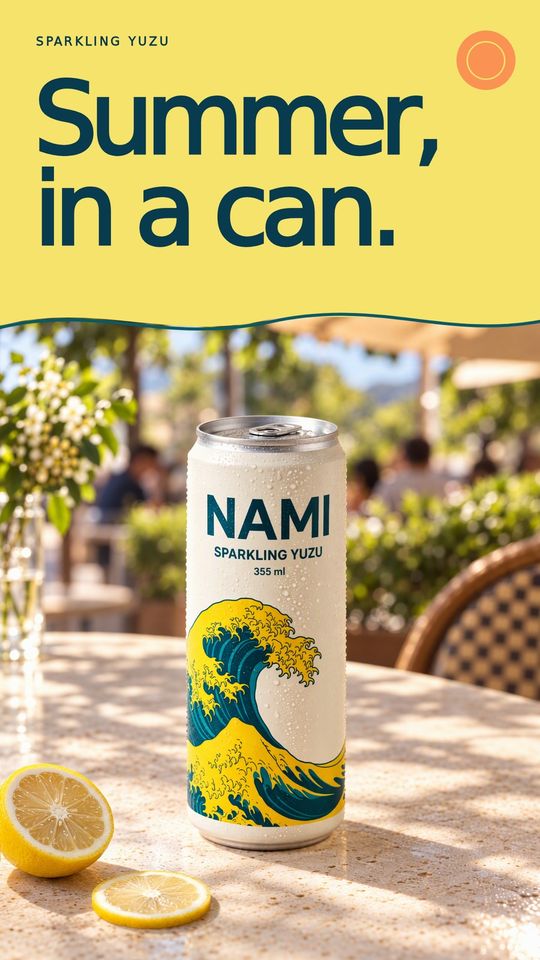
- Vertical 9:16 for Stories, Reels and TikTok keeps the product and headline in the middle band. The app's own buttons and captions cover the top and bottom.
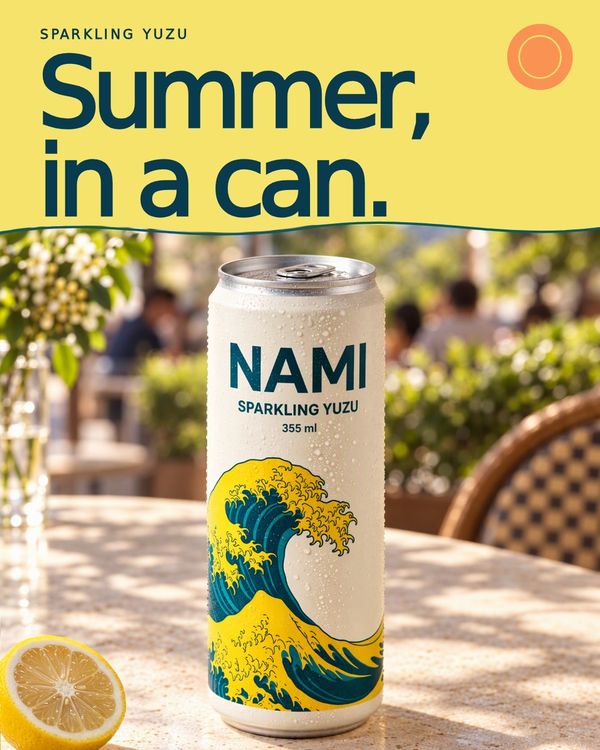
- Feed 4:5 gives you the most room a scrolling feed allows. The headline can sit above or below the product.
- Square 1:1 works in feeds, carousels and display. Fall back on it when you don't know where the ad will show.
- Landscape 1.91:1 for display and link ads puts the product on one side and the headline on the other. It often shows small, so keep the headline short.
- Tall 2:3 for Pinterest has room for the product and a headline that reads at a glance.
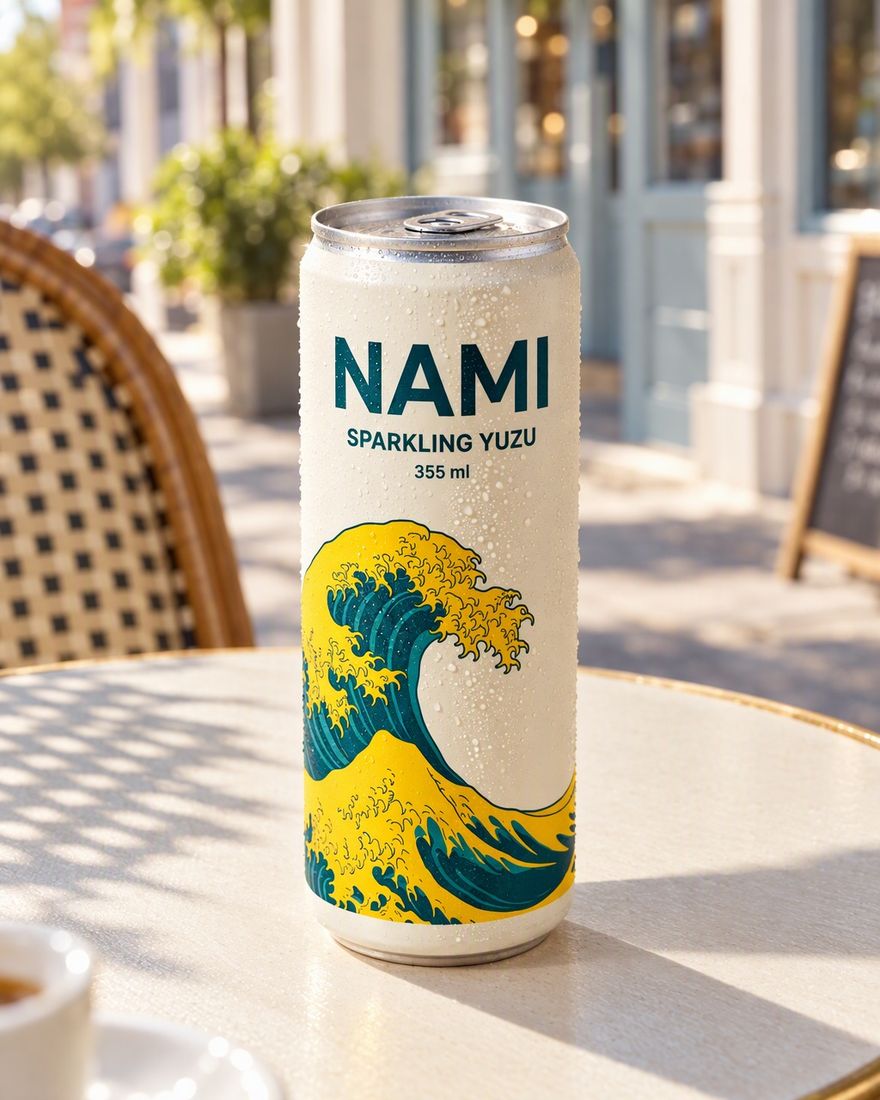
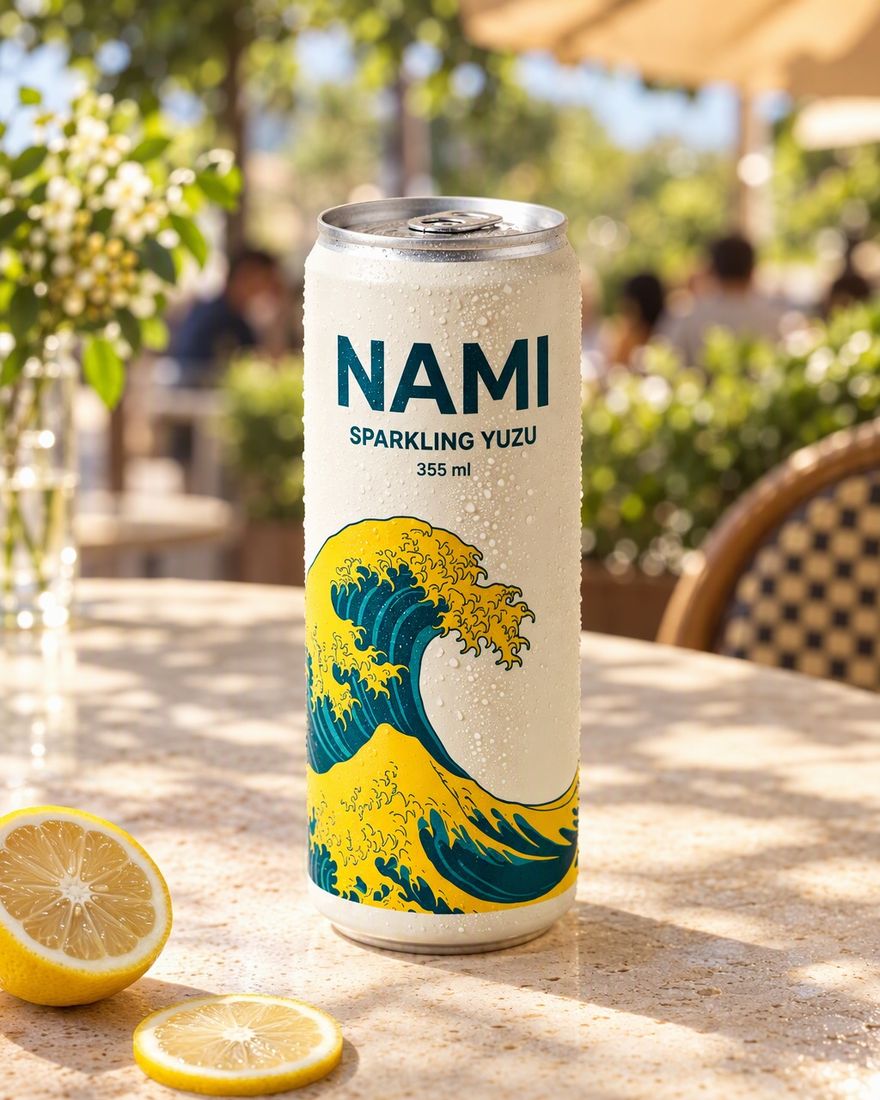
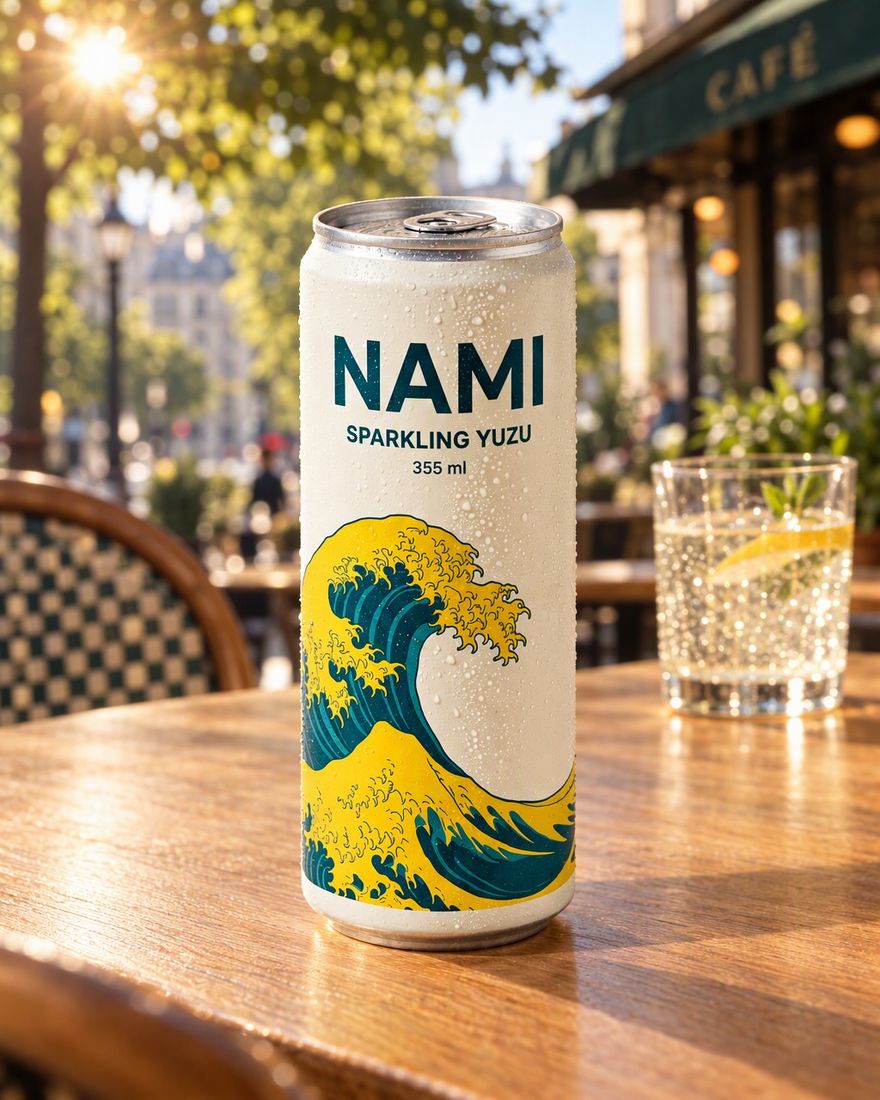
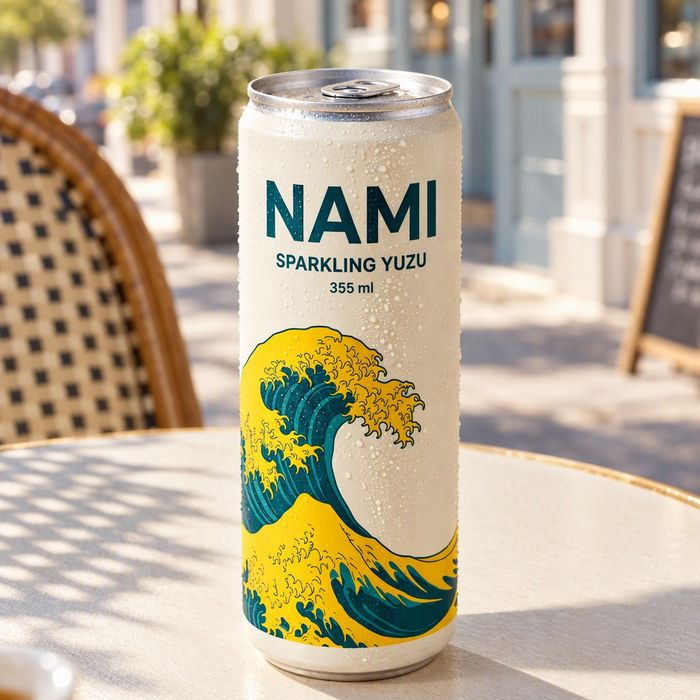
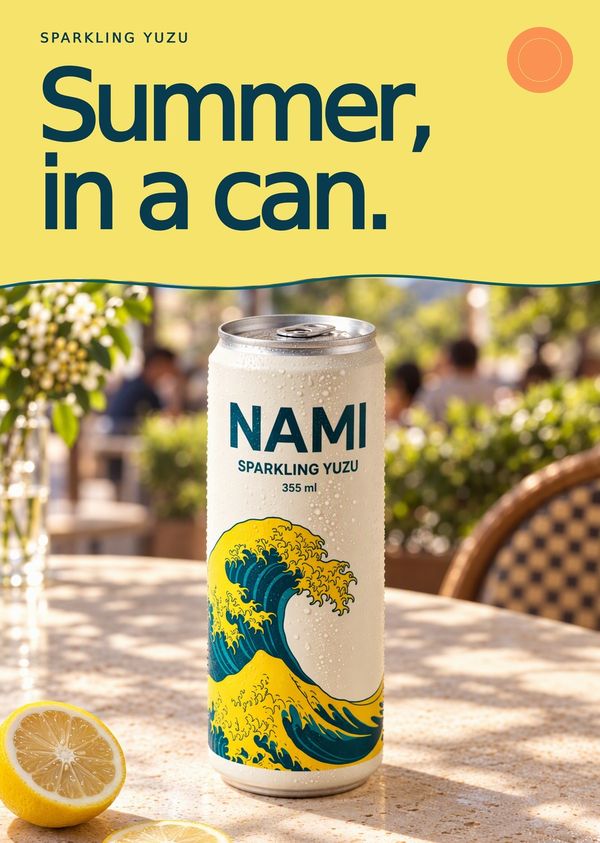
Below, a NAMI soda can in three looks, then the chosen look as a feed post, a story, an Amazon listing image and an A3 print.
How to brief Domi for a product ad
You don't need to write a prompt. Tell Domi what you'd tell a person making the ad for you. The more your first message carries, the closer her first options land.
- The product comes first. Send a clear photo, its name and what it is, and say so if the label or the color must not change.
- The buyer fits in one line. Say who they are and why they'd care.
- One idea per ad is enough, such as a launch, a season, a price or a benefit.
- The headline goes in your own words, typed as it should read.
- Your placements decide the sizes, so name them all, from Instagram feed and Stories to TikTok, Google display or Pinterest.
- Your brand shows in a logo, your colors, a typeface you use or an earlier ad you liked. Add what to avoid, like claims you can't make or a competitor's colors.
A first message can be this short. “NAMI sparkling yuzu soda, our new can, photo attached. Launch ads for Instagram feed and Stories, and Google display. The headline is ‘Summer, in a can.’ Bright and sunny, on a café table. Keep the can as it is in the photo.”
What to check before you publish an ad
An ad goes in front of strangers with your name on it. Check these before it goes out:
- The product should match your photo in label, color, shape and small print. If anything is off, circle it and tell Domi what it should be. She changes that part and leaves the rest.
- Every word says what you typed, so check the headline, the price, the offer and the dates.
- The safe zones matter in 9:16. Meta says the profile icon and the call to action button can cover the top 14% and the bottom 35%, so keep anything important out of them.
- Small sizes are where display ads often end up. Look at the 1.91:1 version at thumbnail size and make sure the headline and the product still read.
- The text fields sit apart from the image. Google's responsive display ads take short headlines of up to 30 characters and a long headline of up to 90. Pinterest titles can run to 100 characters, but only the first 40 may show.
- Claims and files come last. Every platform reviews ads against its own policies, so be ready to back up words like “clinically proven” or “No. 1”. All the placements above take JPG or PNG, and Meta accepts images up to 30 MB, Google up to 5120 KB.
Common mistakes with ads in many sizes
- A different look in every size reads as two campaigns, and people don't connect them. Choose one look, then take it to every size.
- Too many words crowd the ad. A product, a headline and a call to action are usually enough, and the rest belongs in the ad's text fields.
- The logo shapes are easy to forget. Google's responsive display ads ask for a square 1:1 logo and a wide 4:1 one as well as the images.
Ads for a whole launch, alone or with your team
An ad is rarely alone. From the same product and the same look, Domi makes product photos for your store, a video ad with your product the same in every shot, and posters with real text in every size.
If you make ads with other people, invite them to a project by email. Everyone works with Domi there. Notes are drawn on the work and go to whoever made it, your client sees the ads through one link, and a team wallet can give each project its own budget. More on teams.
Questions
Can AI make ads for my product?
Domi, DDream's AI creative director, makes ads for your product from a short brief and a photo of it. She keeps the product as it is, sets the headline as real text and makes the same ad in every size your placements need. Nothing is final until you choose it.
How is DDream different from an AI ad generator?
DDream works from a brief and a conversation with Domi, its AI creative director, rather than one prompt and one image. She asks only what changes the work, makes the ad and every size of it, and shows you options. The headline is real, editable text, and the artwork comes in layers you can move.
What size should a Facebook, Instagram or Google ad be?
Meta recommends 4:5 at 1440 × 1800 px for Facebook and Instagram feed image ads, and 9:16 at 1440 × 2560 px for Instagram Stories and Reels, as of November 2026. Google's responsive display ads use 1.91:1 at 1200 × 628 px and 1:1 at 1200 × 1200 px. Specs change, so check each platform's help page before you upload.
Will the text on my ad be spelled right?
The headline on an ad made in DDream's Design Lab is real, editable text, spelled the way you wrote it. You can retype it and move it, and the same headline appears in every size. Check prices, dates and names before you publish, because the ad says what you typed.
Can I turn the same ad into a video ad?
DDream's Video Studio makes video ads and product videos from the same product photo, with the product held the same across every shot. Domi plans the shots first, and you approve every shot before it is filmed. More on video ads.
How much does it cost to make ads with DDream?
Making ads on DDream is free to start, with free credits every month. No credit card needed. Telling Domi what you need is free. Once you are making the ad in a studio, her replies and every generation use credits, and you see a generation's estimated credit cost before it runs. Paid plans start with Creator at $14.99 a month for 1,600 credits. See plans and prices.
Sources
- Meta Ads Guide: Facebook Feed image ad specs
- Meta Ads Guide: Instagram Feed image ad specs
- Meta Ads Guide: Instagram Stories image ad specs
- Meta Ads Guide: Instagram Reels image ad specs
- TikTok Ads Help: specifications for carousel ads
- Google Ads Help: create a responsive display ad
- Pinterest Business Help: ad specs
Never made an ad or a film? Now you can.
What are we making?
Free to start, with free credits every month.