

Image Studio · product photos
AI product photos that keep your product as it is
AI product photos put your real product in new scenes and light, and keep its shape, label and color as they are. Domi, DDream's AI creative director, works from one clear photo in Image Studio and shows you three looks to choose from.
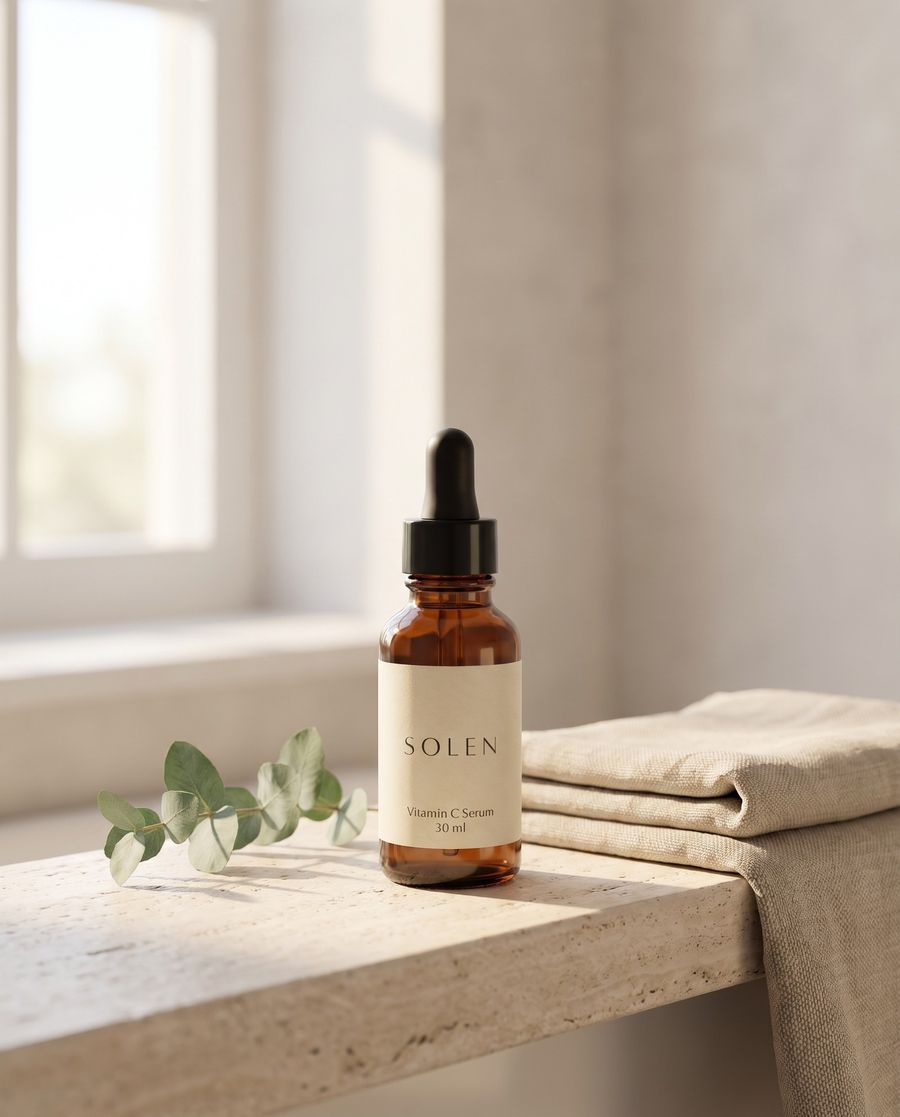
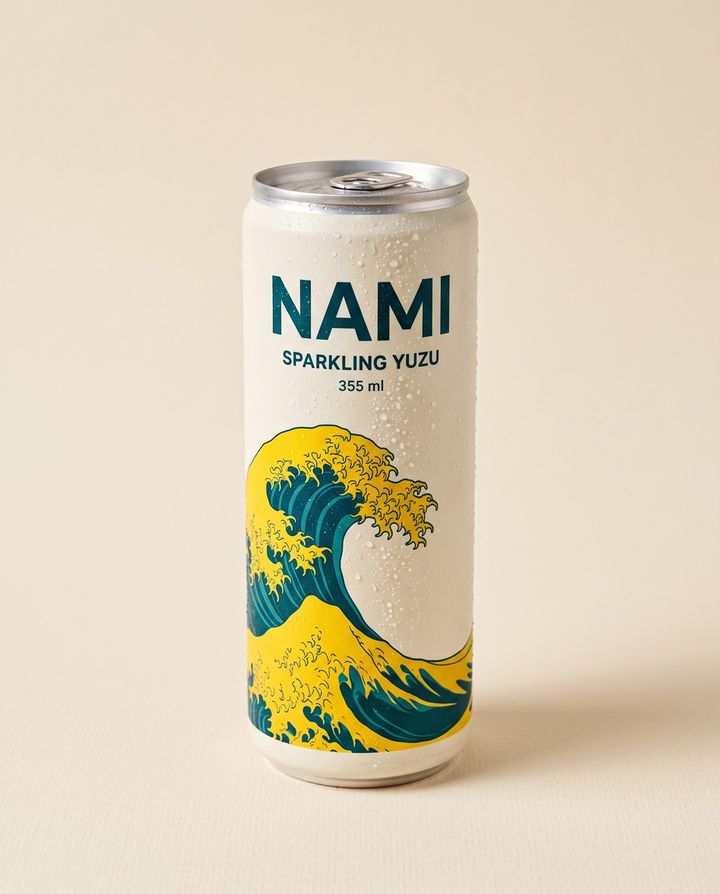
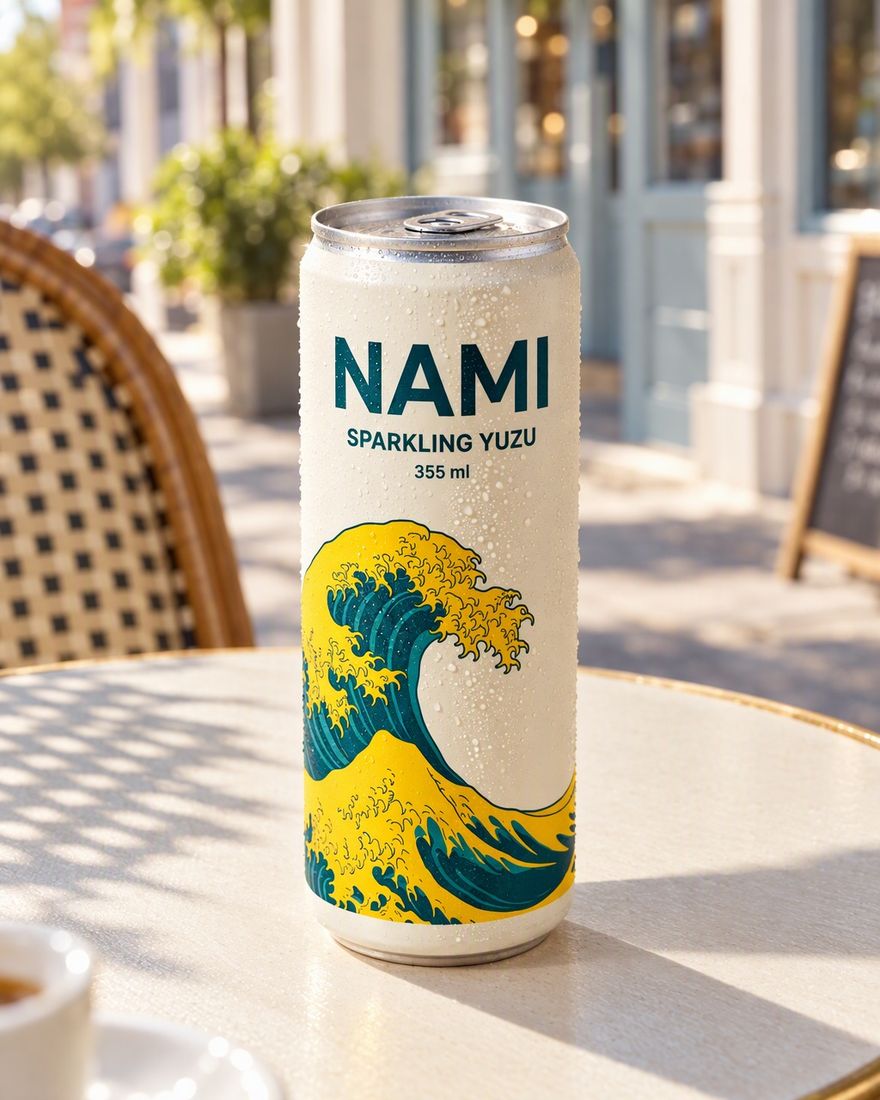 Studio photoDomi's scene

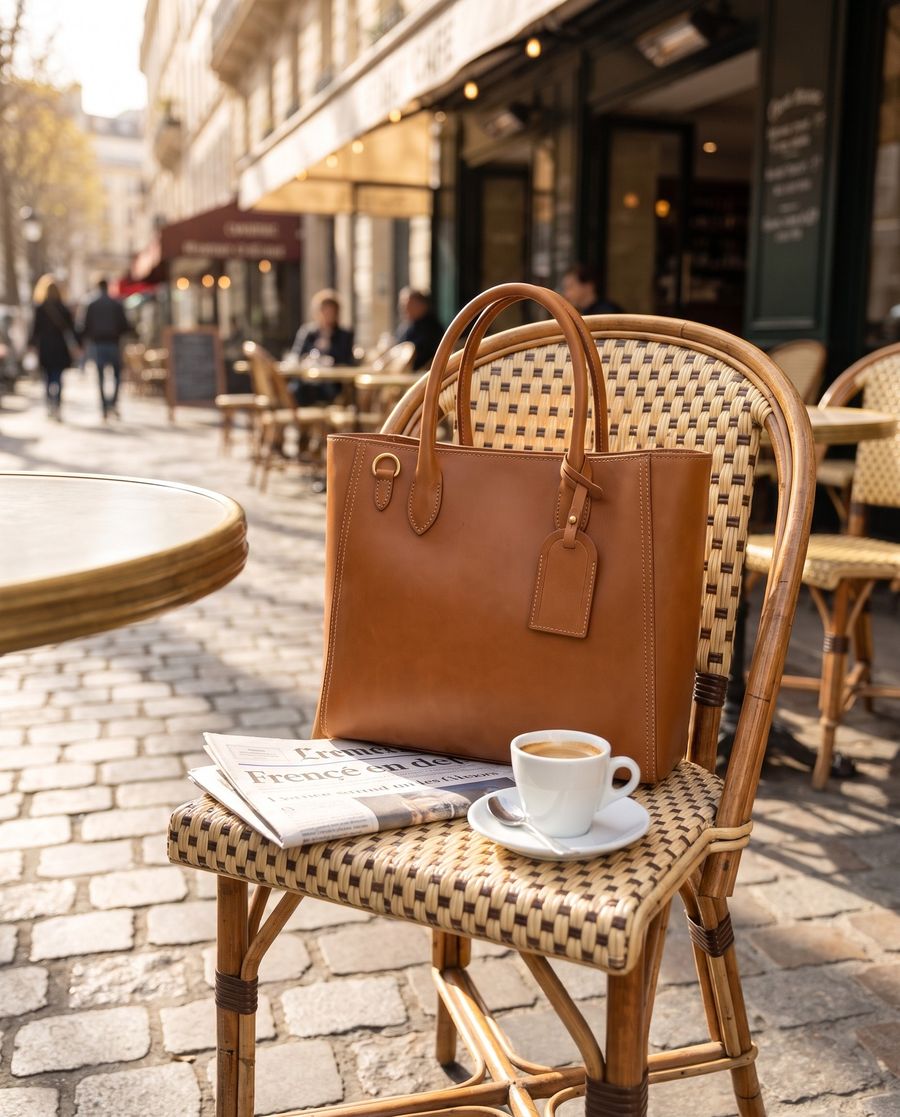 Studio photoDomi's scene
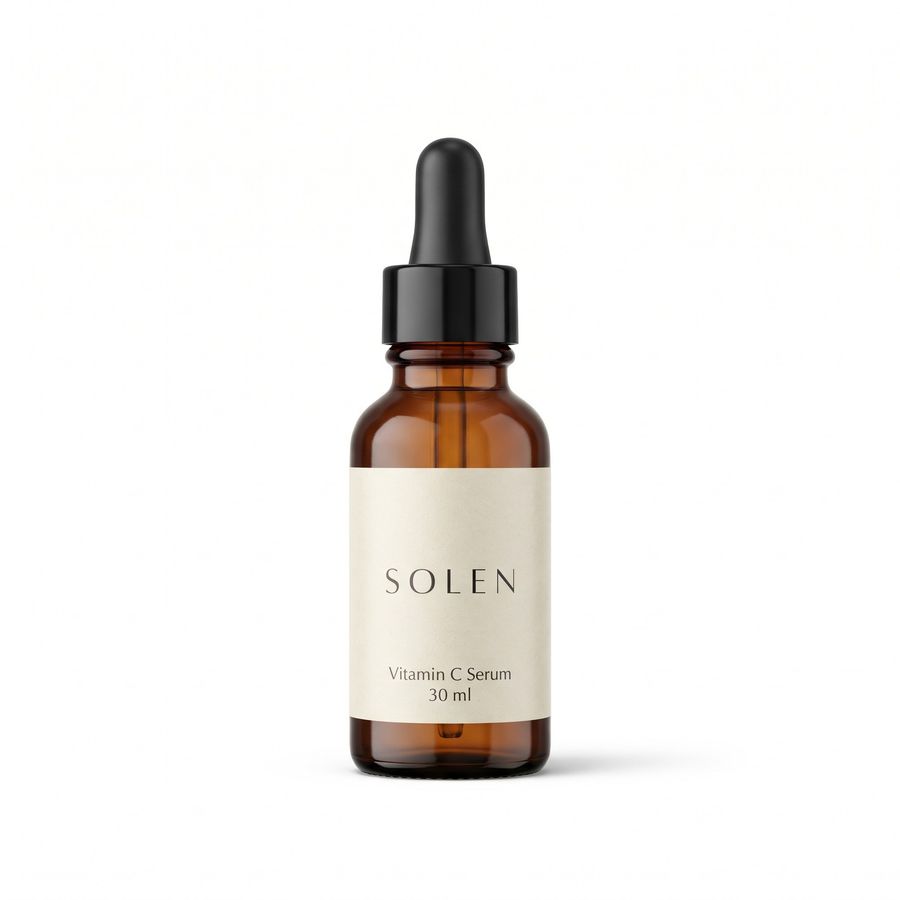 Studio photoDomi's scene

 Studio photoDomi's scene
How it works
Show Domi the product
Drop in one clear photo and say where the photos will go, such as a store page, a marketplace listing or an Instagram post.
Choose from three looks
Domi stages the product in Image Studio and shows you three looks. Pick one, or tell her what to change about the light, the surface or the mood.
Mark changes, download every size
Circle anything that should change and say what it should be. Domi changes that part and leaves the rest, then makes each size you need, up to 4K.
What you can make from one product photo
Image Studio changes everything around the product and leaves the product alone. From one good photo you can make these:
- Catalog shots put the product on a clean background, pure white for a marketplace or a soft color for your own store.
- Lifestyle shots put it where it gets used, like the serum on a bathroom shelf or the tote on a café chair.
- Campaign shots and key art give a launch, a homepage banner or an ad one strong image.
- Retouching takes dust, glare and busy backgrounds off photos you already have.
- Every size comes from the look you choose, up to 4K and in any aspect ratio, so one look serves a store page, a feed post and a story.
Photos that carry words, such as an ad with a headline, are made in Design Lab with real, editable text in every size. See product ads in every size.
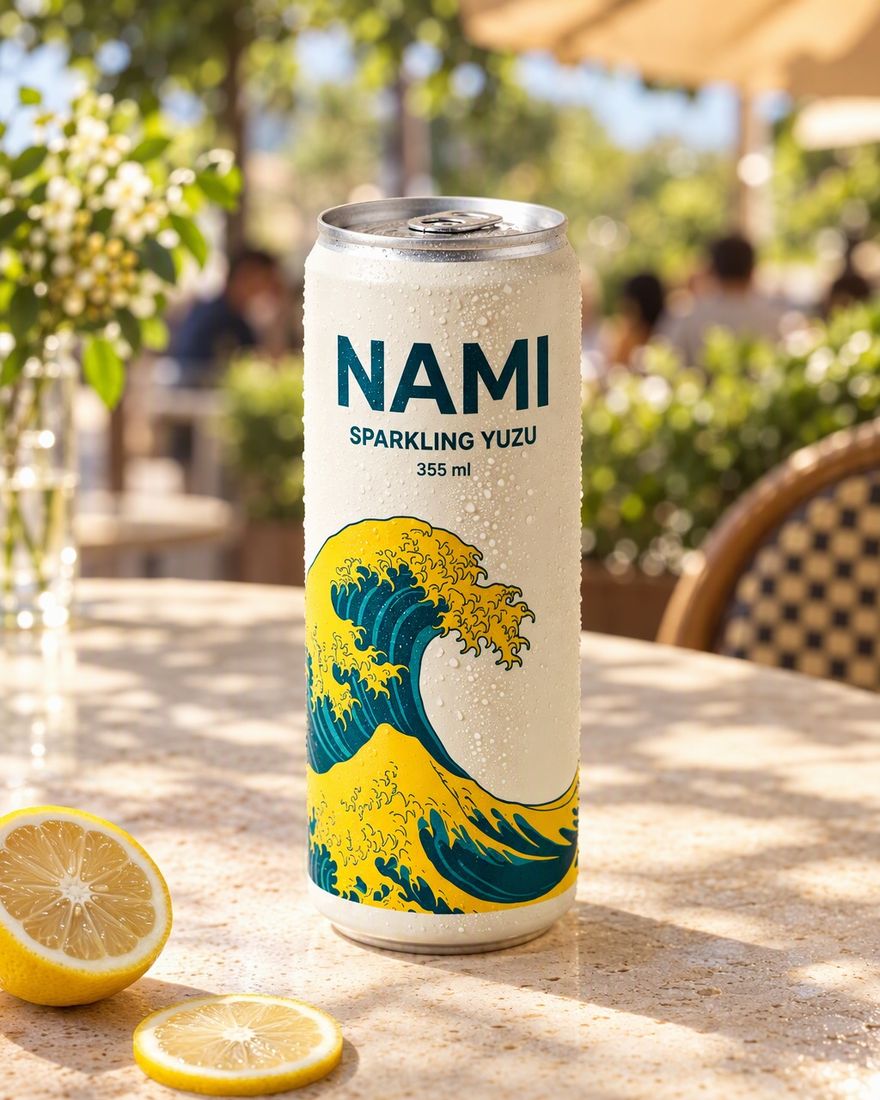
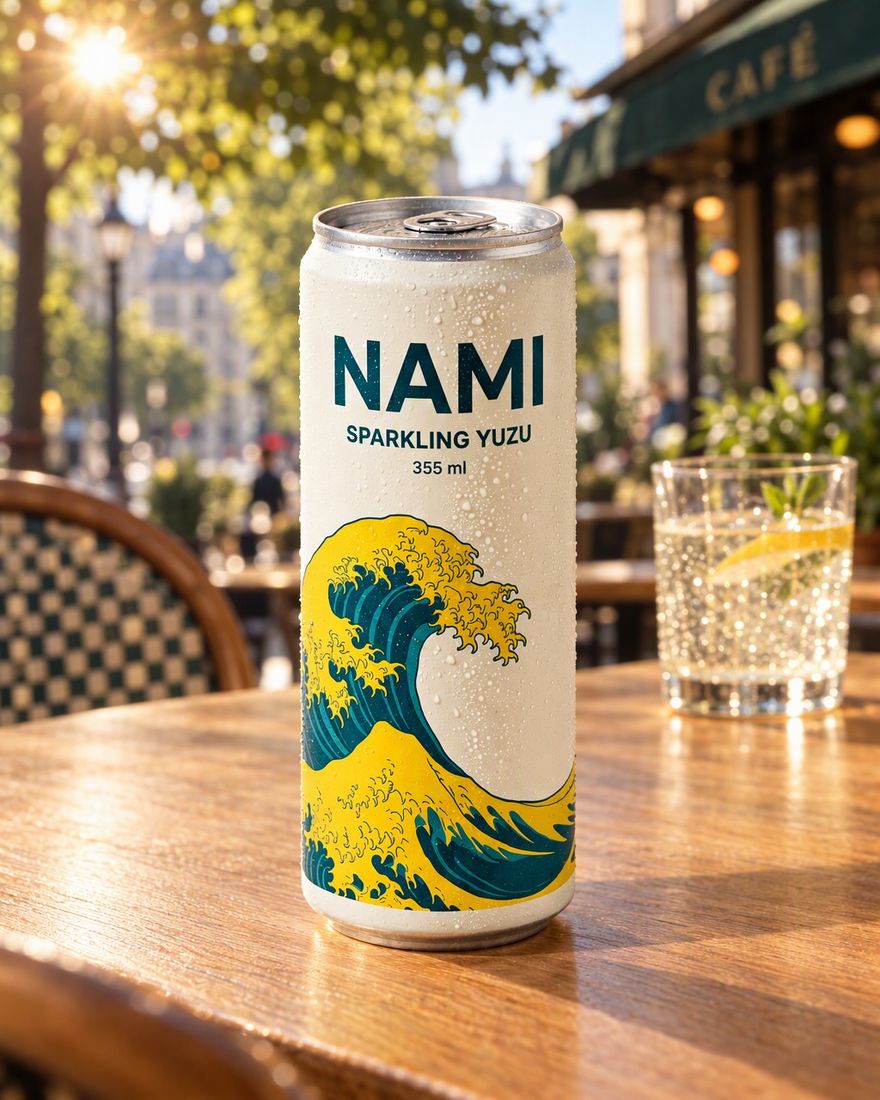
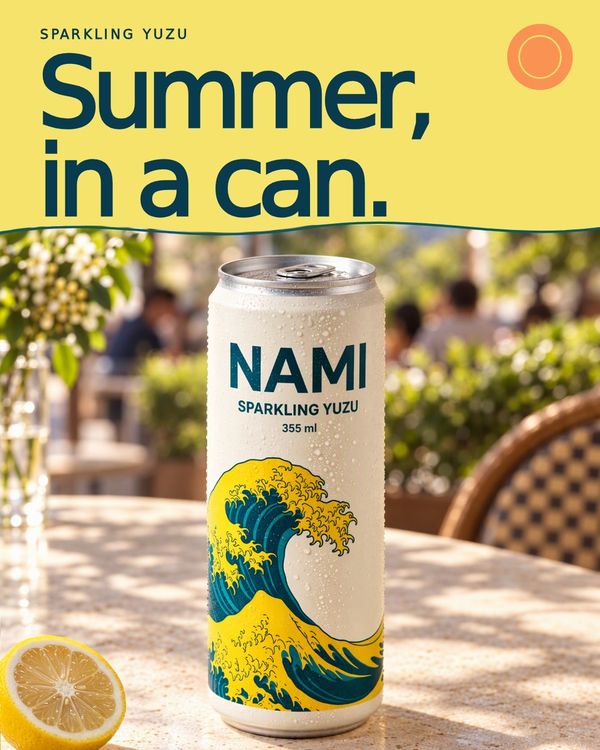
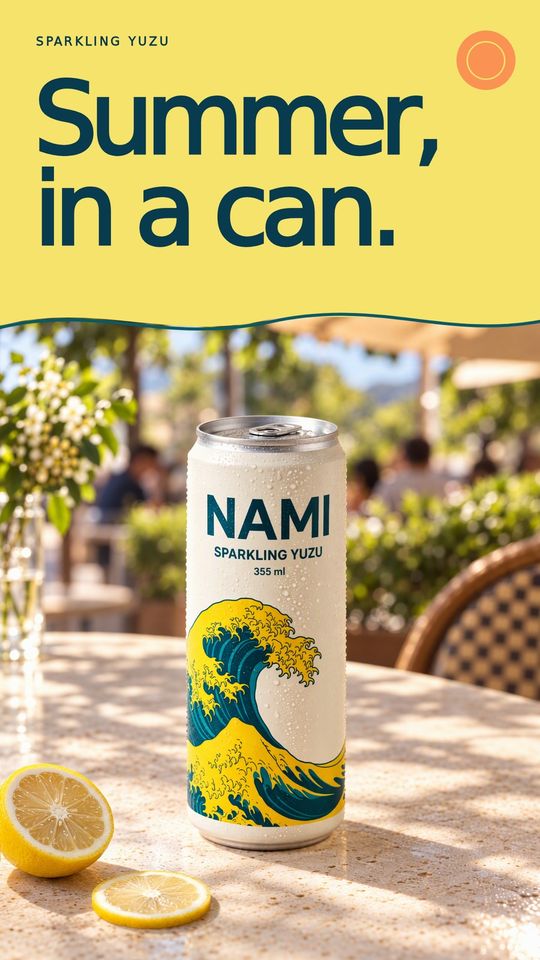
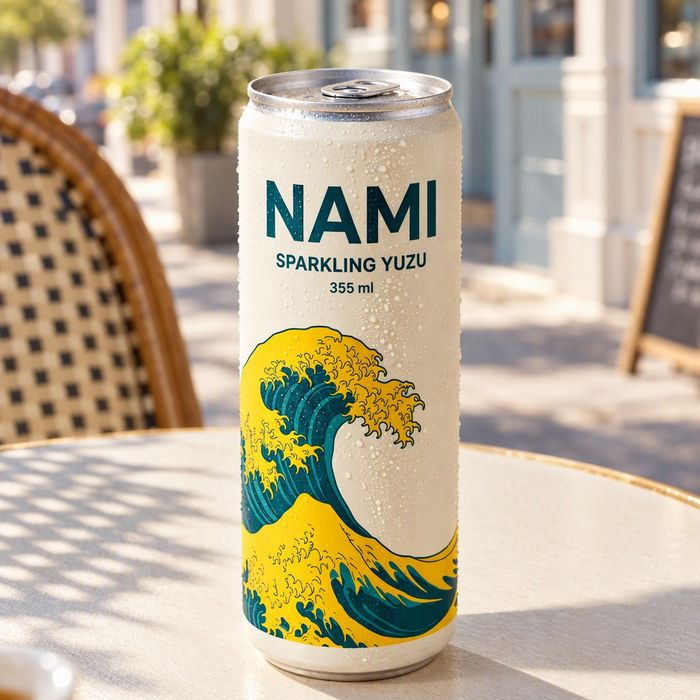
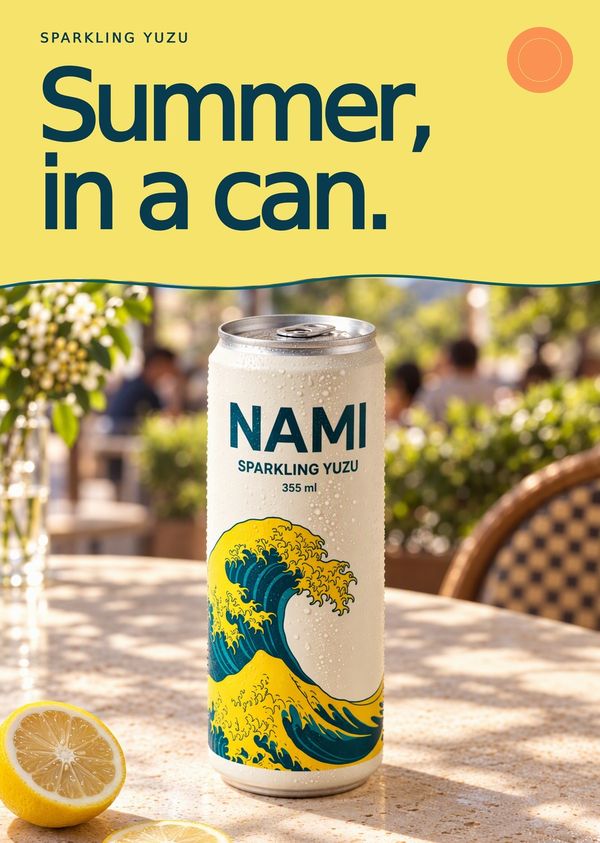
Start with a photo that shows the product well
Domi works from what your photo shows. The more clearly it shows the label, color and texture, the more of the real product carries into each scene. A phone photo is fine if it passes these checks:
- The whole product is in frame and in focus, with nothing covering it.
- The light is even, with no hard glare across the label and no color cast.
- The side buyers should see faces the camera. Send another photo for each side a scene needs.
- The color is unfiltered, because a filter changes the color buyers think they are getting.
- Fabric, wood, leather or ceramic gets one more photo, taken close, that shows its texture.
If all you have is a photo on a cluttered table, start with it anyway. Ask for the product on plain white first, check that version, and build your scenes from it.
How to brief Domi for product photos
Brief Domi as you would brief a creative director, in a few plain sentences. There are no prompts to write, and she asks only what changes the work. Cover five things:
- Where the photos go, such as your store page, a marketplace listing, an Instagram post or an email header.
- The scene the product lives in, the surface it sits on and the time of day.
- Who buys it, in one line, so the scene speaks to that shopper.
- The mood in two or three words, like warm and calm or bright and bold. A reference image says more.
- What must not change, said out loud, such as the label, a color name, the stitching or the cap.
Here is a brief for the SOLEN serum above: “Photos for our store page and Instagram. Our SOLEN vitamin C serum on a bathroom shelf in soft morning light, warm and clean, for women with a short skincare routine. Square for the store, 4:5 for the feed. The amber glass and the label stay as they are.”
Product photo sizes for Amazon, Shopify, Etsy and Instagram
Name every place the photos will go, in the brief or later from the look you chose. These are the numbers each channel publishes in its own help pages, checked in November 2026:
| Where it goes | What the channel asks for | What to ask Domi for |
|---|---|---|
| Amazon listing | Main image on pure white (RGB 255, 255, 255), product at 85% of the frame. 500 to 10,000 px on the longest side, and 1,000 px or more turns on zoom. | Square, on white. Full rules on Amazon listing images. |
| Shopify store | Up to 5000 × 5000 px and under 20 MB. Shopify suggests 2048 × 2048 px for square product images, and one aspect ratio for all main images. | Square, with one background style across your catalog |
| Etsy listing | At least 2000 px wide and tall recommended. First photo landscape or square. At least one unedited photo of the real item. | Landscape or square scenes, with room around the product for thumbnail crops |
| Instagram feed | Upload at least 1080 px wide, between 1.91:1 landscape and 3:4 portrait, to be shared at the full 1080 px width. Other shapes are cropped. | 4:5 or 3:4 portrait |
Rules change, so check each channel's page before a big upload. The links are under Sources at the end of this page.
Marketplace rules for product photos edited with AI
Marketplaces judge whether a photo is true to the product, not which tool made it. As of November 2026, two rules matter most.
Etsy requires at least one unedited photo of the actual item against a real background in each listing, with some exceptions by item type. In the other photos, Etsy allows editing tools, including AI, to adjust light or color, crop, resize or change backgrounds. They may not hide flaws or make the item look different from what the buyer receives.
Amazon asks that every image accurately represent the product you sell, and that the main image show its real scale, quantity and color. Photorealistic people made entirely by AI need a tag in the file before upload, which our Amazon page explains.
Hold every channel to the same standard. A new scene and new light are fine. A product that looks different from the one in the box is not.
Check every product photo before you publish
Look at each photo at full size, next to the real product. As with any product photo, small print and fine details are where things slip.
- Label and small print are spelled right, with the logo intact and nothing smeared.
- Color matches the product in daylight. A shade off means buyers receive a different color from the one they saw.
- Scale is true. The mug fits the hand, the tote fits the chair, and nothing makes the product look bigger or smaller than it is.
- Contact and shadow look right. The product sits on its surface, with a shadow that follows the light.
- Shape and parts match the real thing, from caps and handles to stitching, seams and edges.
- Props never read as part of what ships.
If something is off, circle it and say in one sentence what it should be. What you move or fix by hand stays that way, and every version is kept, so you can go back to any of them.
Mistakes to avoid with AI product photos
- A brief without a channel gets a nice picture in the wrong shape. Say where it goes.
- A product you don't sell is a promise to the buyer. Show a new colorway, a bigger bottle or an extra strap only if it ships.
- A different look in every photo makes one catalog read as several brands. Pick one look and keep it.
- Words painted into a photo can't be fixed later. Put headlines and prices in a layout with real text.
What AI product photos cost, and working with others
Asking Domi is free. Once you are making photos in Image Studio, her replies and every generation use credits, and you see a generation's estimated credit cost before it runs.
Free to start, with free credits every month. Paid plans start at $14.99 a month for 1,600 credits. See plans and prices.
To work with other people, invite them by email into a project. You share one brief and one library, review with notes drawn on the photos, and send the finished set to a client with one link. See DDream for teams.
Questions
What is AI product photography?
AI product photography makes product photos from a photo of the real product instead of a full shoot, keeping the product and making the scene, light and size around it new. On DDream, you tell Domi what the photos are for, she makes them in Image Studio, and nothing is final until you choose it.
Can AI change the background without changing the product?
DDream's Image Studio is built to change the background, scene and light around a product while keeping its shape, label and color. Check small print and fine details at full size before you publish, and if something is off, circle it and Domi fixes that part.
How is DDream different from an AI product image generator?
An AI product image generator turns a prompt into an image, while on DDream you tell Domi, DDream's AI creative director, what the photos are for in plain words. She asks what matters before she makes anything, keeps your product as it is across scenes and sizes, and shows you options to choose from.
Do I need professional product photos to start?
You don't need professional product photos to start on DDream, only one clear, sharp photo of the real product. The better it shows the label, color and texture, the more of the product carries into each scene.
How much do AI product photos cost on DDream?
DDream is free to start, with free credits every month. No credit card needed. Domi's replies and every generation in the studios use credits, and paid plans start at $14.99 a month for 1,600 credits. The pricing page lists every plan.
Sources
Never made an ad or a film? Now you can.
What are we making?
Free to start, with free credits every month.