

Posters and banners · Design Lab
Posters with real text, in every size
Make AI posters for your event or product with real, editable text, spelled the way you wrote it and easy to retype. Domi, DDream's AI creative director, paints the artwork in layers you can move and makes every size you need from one file.
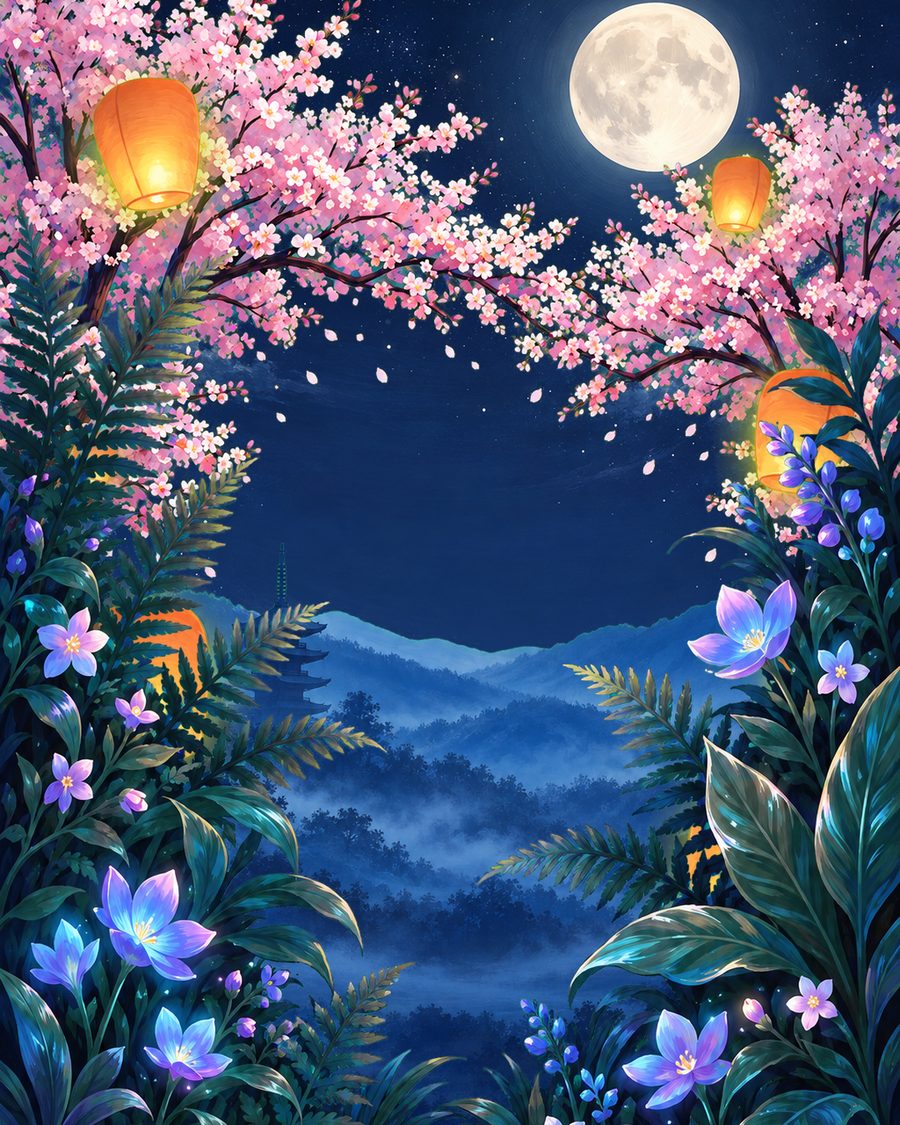
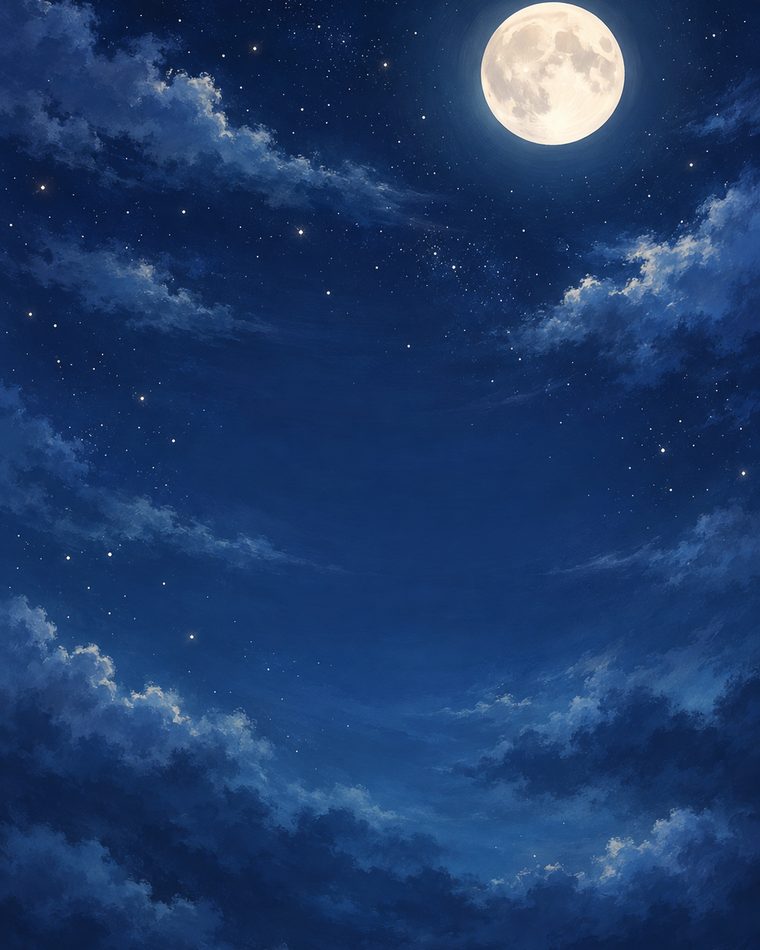 Night sky
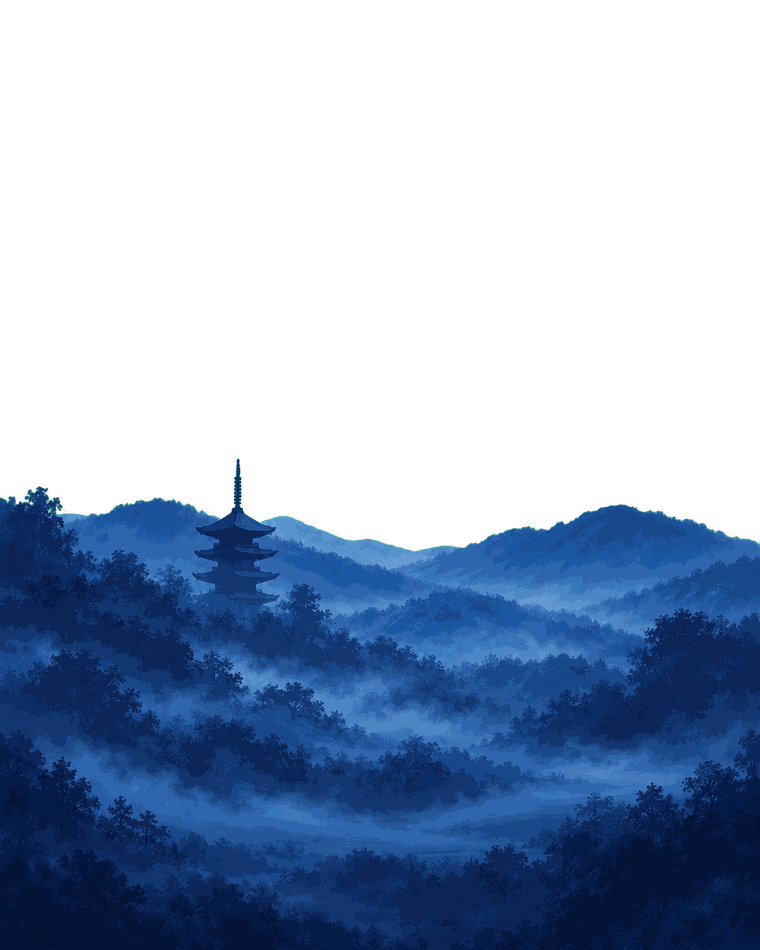 Hills and pagoda
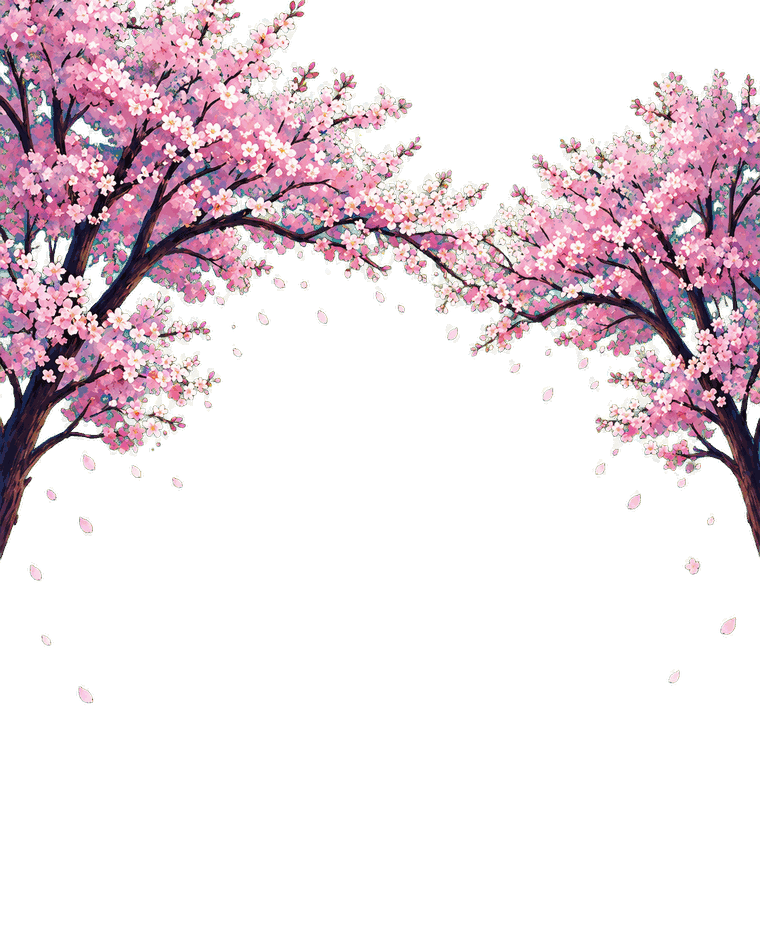 Cherry trees
 Lanterns
 Flowers
How it works
Paste the words as they read
Tell Domi what the poster announces and where it will hang or be posted. Paste the title, date and place word for word, and add a photo or logo.
Choose from layered options
In Design Lab, Domi paints the artwork in layers and sets your words as real type above it. She shows you options, and you pick one.
Retype, move, take every size
Click a word to retype it, move a layer, or circle a spot and tell Domi what it should be. Then download every size from one file.
Why text on AI posters goes wrong, and how Design Lab handles it
When a whole poster is made as one picture, the words are painted in like everything else. Letters can come out misspelled or misshapen, and fixing one word means making the picture again, which can change everything around it.
In Design Lab the words are not part of the picture. Domi sets them as real, editable text above artwork painted in layers of its own. The title is spelled the way you wrote it, the date can be retyped, and the artwork can move without touching the type. A wrong word is a quick fix, not a redo.
Poster sizes for print, social media and event pages
A poster rarely lives in one place. The same event or product usually needs a print, a story, a feed post and an event page, and their shapes are very different:
| Where | Shape | Size | Note |
|---|---|---|---|
| Tabloid print poster | 11:17 | 11 × 17 in | Common for walls, counters and windows |
| Medium print poster | 3:4 | 18 × 24 in | Common for framed and storefront posters |
| Large print poster | 2:3 | 24 × 36 in | Common for venues and lobbies |
| A3 print | 1:1.41 | 297 × 420 mm | The common international size |
| Instagram Stories ad | 9:16 | 1440 × 2560 px | Meta says to keep about 14% at the top, 35% at the bottom and 6% at each side free of text and logos |
| Instagram and Facebook feed ad | 4:5 | 1440 × 1800 px | Meta's recommended size for feed image ads |
| Eventbrite event image | 2:1 | 2160 × 1080 px | JPEG or PNG, up to 10 MB |
| Pinterest standard ad | 2:3 | 1000 × 1500 px | Pins taller than 2:3 may be cut off in the feed |
The print sizes are common paper sizes. The screen sizes are what Meta, Eventbrite and Pinterest recommended as of November 2026, so check their pages under Sources before you upload. Ask your printer for its bleed and margins before you print.
These shapes can't be cropped from one another. A 2:3 print, a 9:16 story and a 2:1 event banner each need the title, the date and the artwork rearranged. In Design Lab every size comes from one file, with the same real text in each.
How to brief Domi for a poster
Brief Domi the way you'd brief a person making the poster for you. These help most:
- The words go in as they should read. Paste the title, date, time, place, price and web address word for word.
- The reading order is usually the title, then the date. Say so if the price or a name matters more.
- The places it will go, such as a wall, a shop window, a story or an event page, decide the sizes. List every one.
- The mood can be a season, a time of day, colors or a poster you like. “Warm summer night, a glasshouse, deep greens and orange” says more than “something nice”.
- What you already have helps, like a logo, a photo of your product, or a photo of the venue or the performers.
- Your brand means the colors and typefaces you always use.
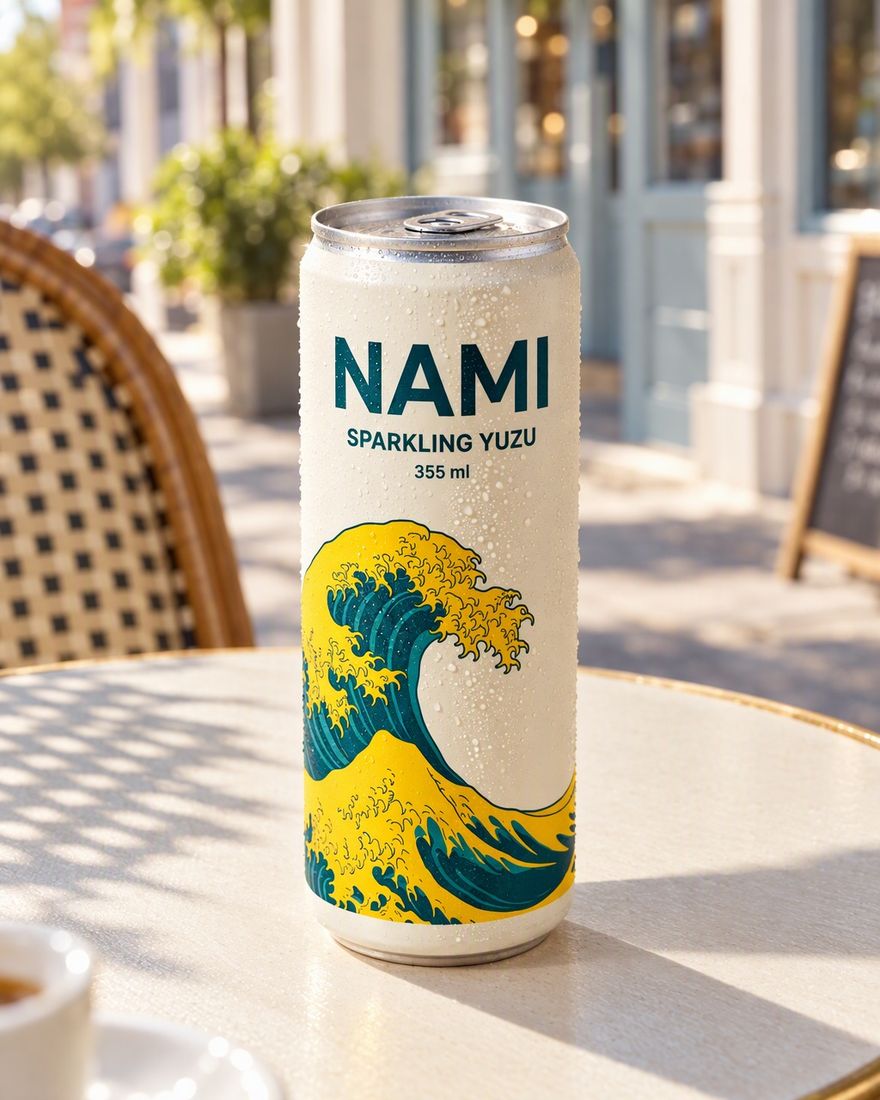
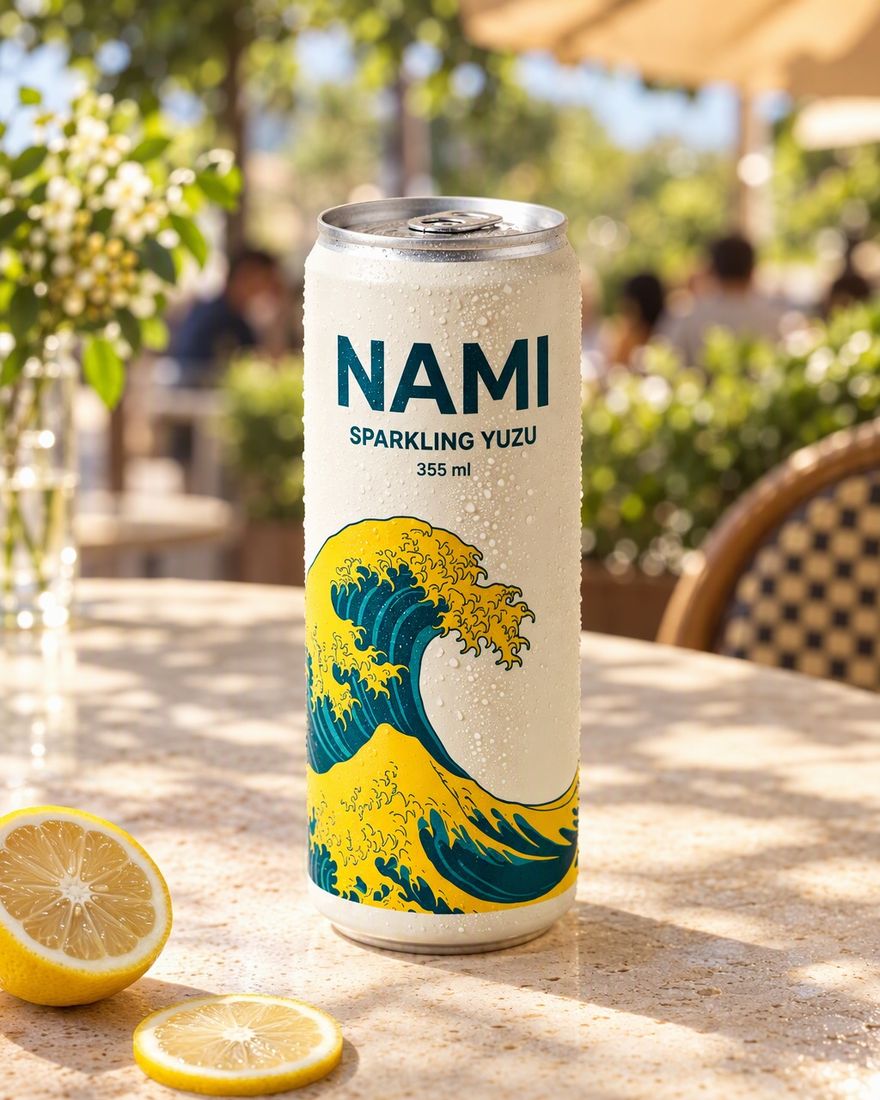
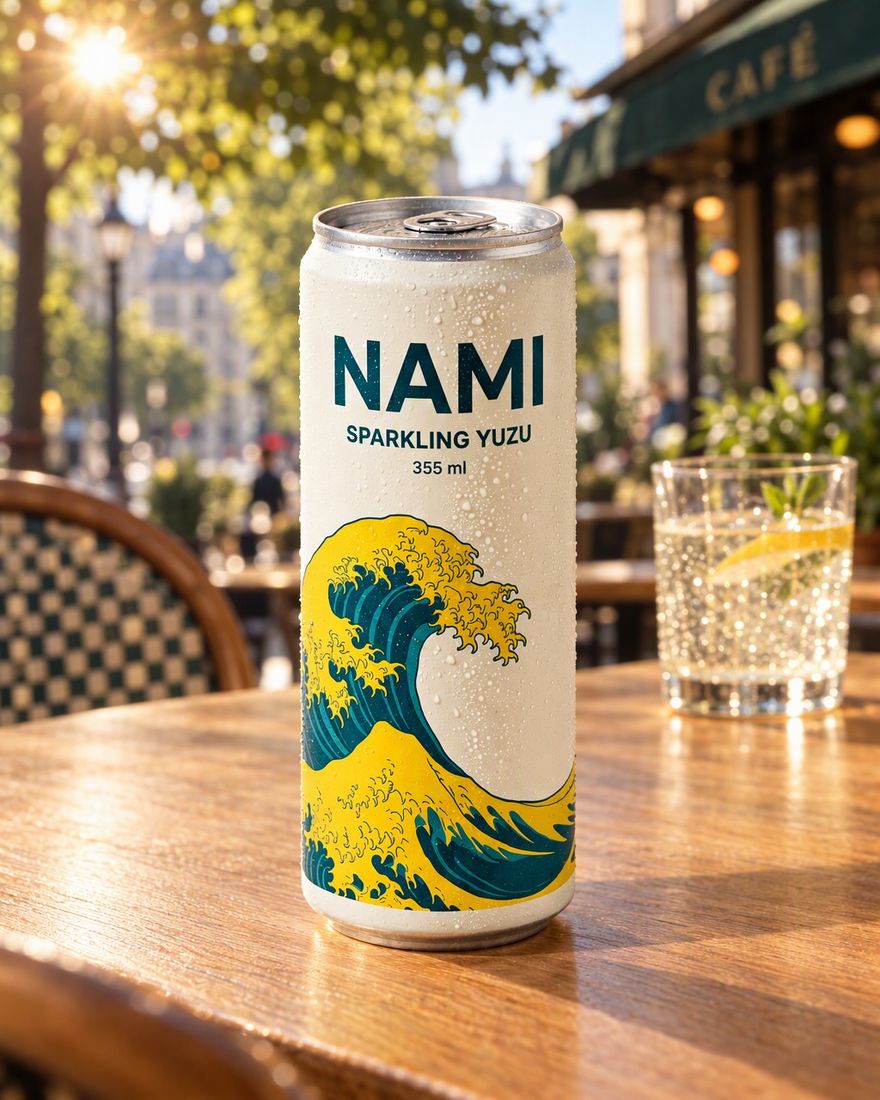
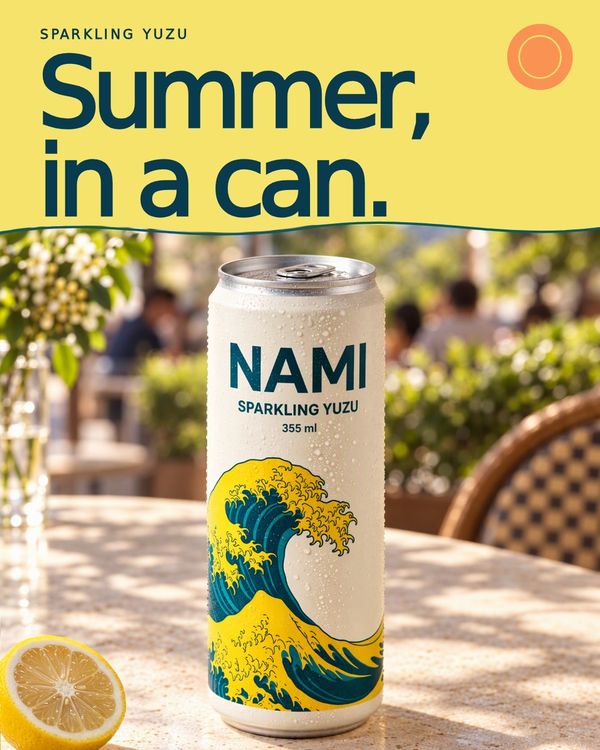
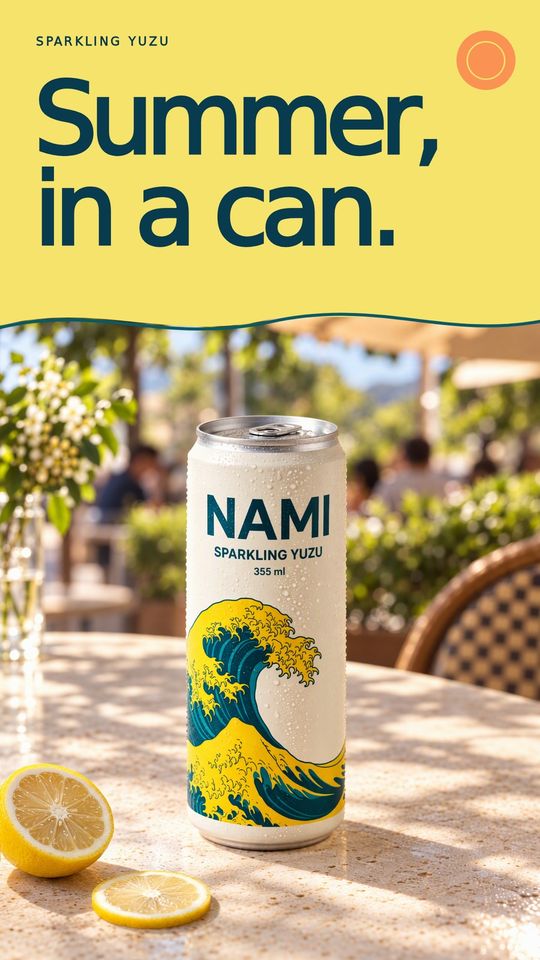
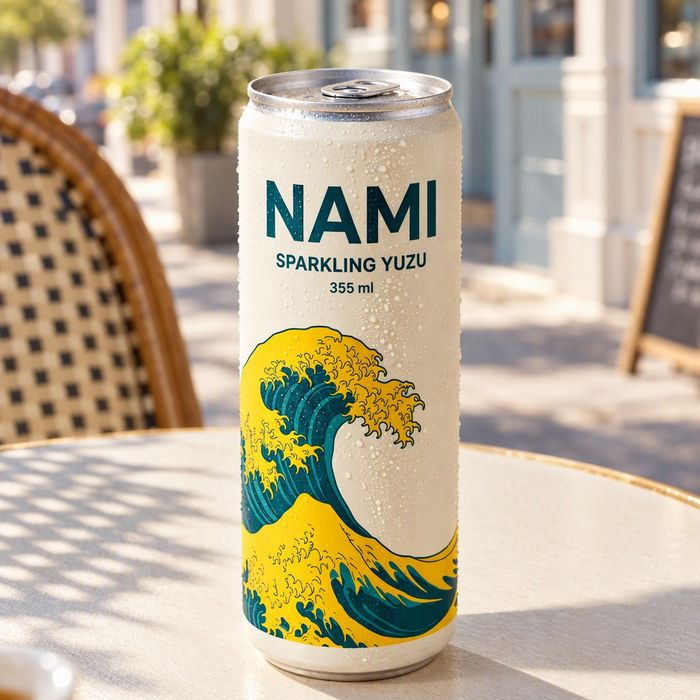
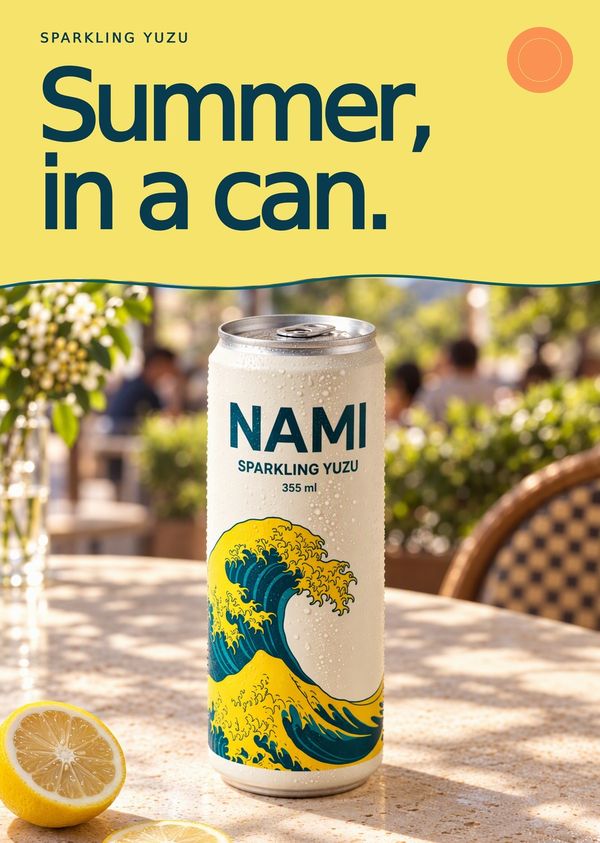
For a product poster, a message this short works. “A launch poster for NAMI sparkling yuzu soda, photo of the can attached. The headline is ‘Summer, in a can.’ and the second line ‘Now pouring at our café.’ A3 for the window, plus an Instagram story and a feed post. Keep the can as it is in the photo.”
Below, the NAMI can in three looks, then the chosen look as a feed post, a story, a listing image and an A3 print poster.
How to change a poster without starting over
Because the poster is built in layers, most changes are small.
- A wrong word or a new date takes a click on the text and a retype.
- A title over the part of the picture you like can move, or the layer behind it can.
- Anything that should look different can be circled. Say in one sentence what it should be, and Domi changes that part and leaves the rest.
- An earlier version you liked is still there. Every version is kept, so you can go back to it.
What you move or change by hand stays changed.
What to check before you print or post a poster
- Every name, date and number reads as you typed it, so check what you typed. Match the day of the week to the date, and check a.m. and p.m., the address, the price and the web address.
- The view from across the room tells you if the poster works. Shrink it to a thumbnail or step back from the screen. If the title and the date don't read, make them bigger or cut words.
- Contrast is the first thing lost when light type sits over a busy part of the artwork. Move the type, or the layer behind it.
- Safe zones on stories are the top 14% and the bottom 35% of a 9:16 story. Keep the title and the date out of them.
- Your printer's specs cover size, bleed, margins and color. Ask for them, and check the file before it goes to print.
- Rights to any photo, logo or performer's name you add are yours to check.
Common poster mistakes
- Too many words slow a poster down, and people read it in seconds. Title, date, place and one line are usually enough, and the rest belongs on the event page.
- Details that don't match make people wonder which is right, like “Sat, July 11” on the print and “11 July” on the story. Use one wording in every size.
- Forgetting the event page leaves you cropping at the last minute. Eventbrite's 2:1 image is wide and short, so plan it with the other sizes.
Posters, banners and more from Design Lab
Design Lab also makes banners, pitch decks, web pages, motion graphics and animated logos. A launch can start from one brief, with product photos, ads in every size, a video ad and posters sharing the same product and look.
If you make posters for clients or with colleagues, invite them to a project. Notes are drawn on the work and go to whoever made it, your client sees the poster through one link, and a team wallet can give each project its own budget. More on teams.
Questions
Can AI make a poster with correct text?
DDream's Design Lab sets the text on a poster as real type, spelled the way you wrote it. Domi paints the artwork in layers and puts your words above it, so fixing a wrong word means retyping it, not making a new poster. Check names, dates and prices before you print, because the poster says what you typed.
Can I edit an AI poster after it's made?
Every poster Domi makes in DDream's Design Lab has editable text and layered artwork you can move. Retype a word, move the title or a layer, or circle a spot and tell Domi what it should be.
Can I get the same event poster in every size?
DDream's Design Lab makes every size of a poster from one file, with the same real text in each, from print to story, feed post and event page. Name every size in your brief, so they are all planned from the start.
How is DDream different from an AI poster generator?
DDream sets a poster's words as real text above layered artwork, where many AI poster tools paint the words into the picture. You brief Domi, DDream's AI creative director, the way you'd brief a person, and she shows you options. Nothing is final until you choose it.
What size should an event poster be?
Common US print sizes for an event poster are 11 × 17, 18 × 24 and 24 × 36 inches, and A3 (297 × 420 mm) is common elsewhere. For screens, as of November 2026, Meta recommends 9:16 at 1440 × 2560 px for Instagram Stories ads, and Eventbrite recommends a 2160 × 1080 px event image. Most events need several of these, which is why one layered file helps.
How much does it cost to make a poster on DDream?
Making posters on DDream is free to start, with free credits every month. No credit card needed. Telling Domi what you need is free. In Design Lab, her replies and every generation use credits, and you see a generation's estimated credit cost before it runs. Paid plans start with Creator at $14.99 a month for 1,600 credits. See plans and prices.
Sources
Never made an ad or a film? Now you can.
What are we making?
Free to start, with free credits every month.