

Image Studio and Design Lab · Amazon
Amazon listing images and A+ content
Make Amazon listing images and A+ content in Amazon's sizes, from the white main image to infographics shoppers can read on a phone. Domi, DDream's AI creative director, works from your product photos and bullet points, and sets every word as real, editable text.
- Vitamin C serum
- 30 ml amber glass
- Fragrance free
A vitamin C serum in amber glass, made for every morning.
How it works
Paste in your listing
Drop in photos of the product and paste your title and bullet points. Say which images you need, or ask Domi what your gallery is missing.
Photos first, then the words
Domi makes the main image and lifestyle shots in Image Studio, then lays out infographics and A+ modules in Design Lab with your own words.
Fix a word, export the set
Retype any word yourself, or circle what should change and tell Domi. Then download each image at the size Amazon asks for.
What Domi makes for an Amazon listing
Shoppers see the main image in search. The gallery behind it answers their questions, and A+ content tells the rest further down the page. A full set usually looks like this:
| Image | What it shows | Made in |
|---|---|---|
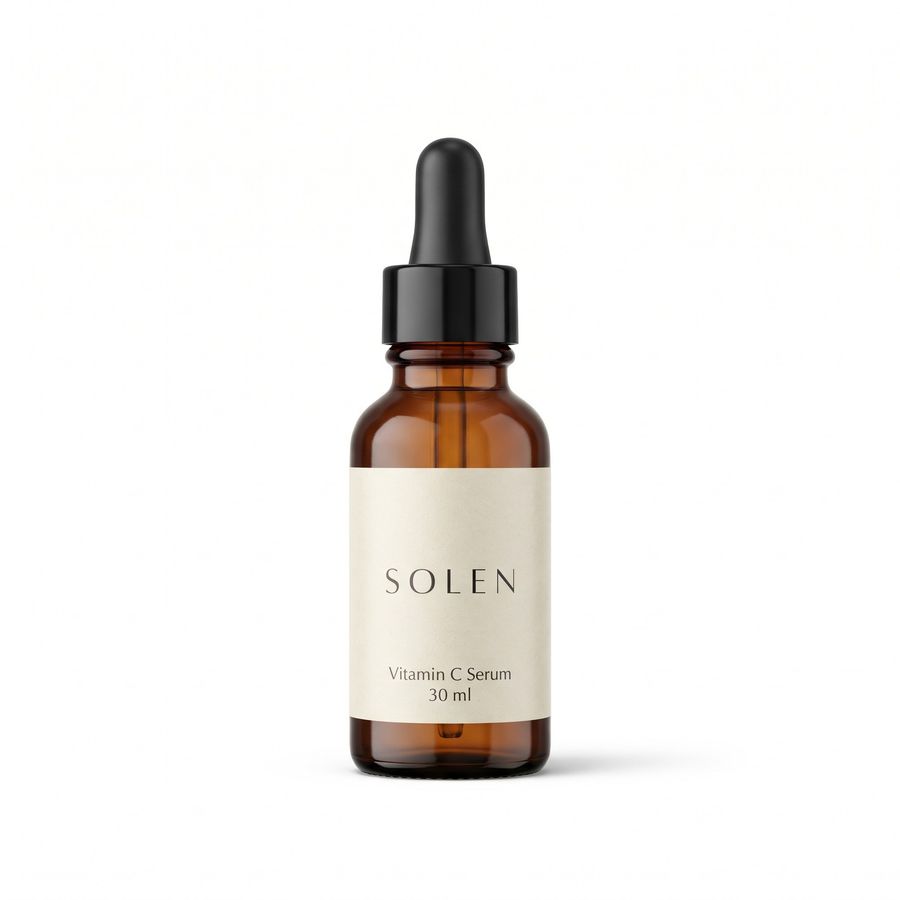
| Main image | The product alone on pure white, at 85% of the frame | Image Studio |
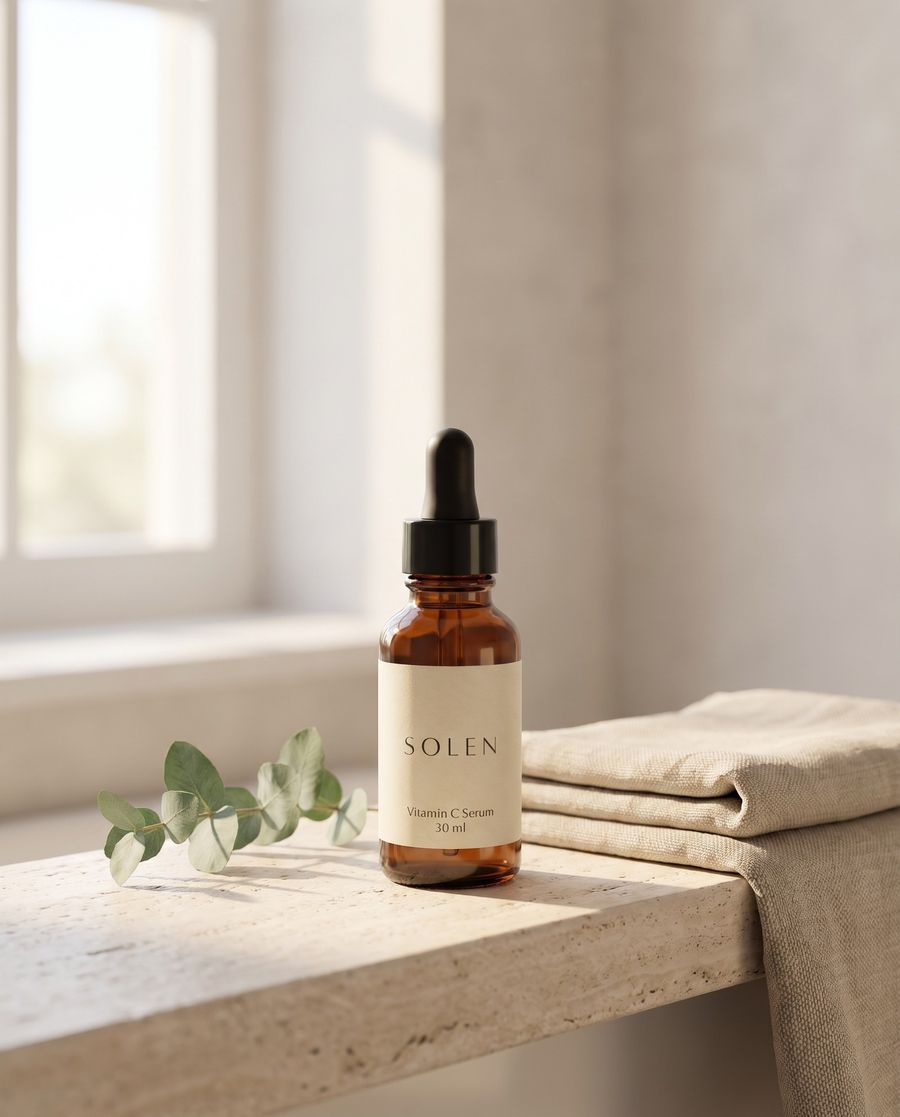
| Lifestyle | The product in use, where your buyer would use it | Image Studio |
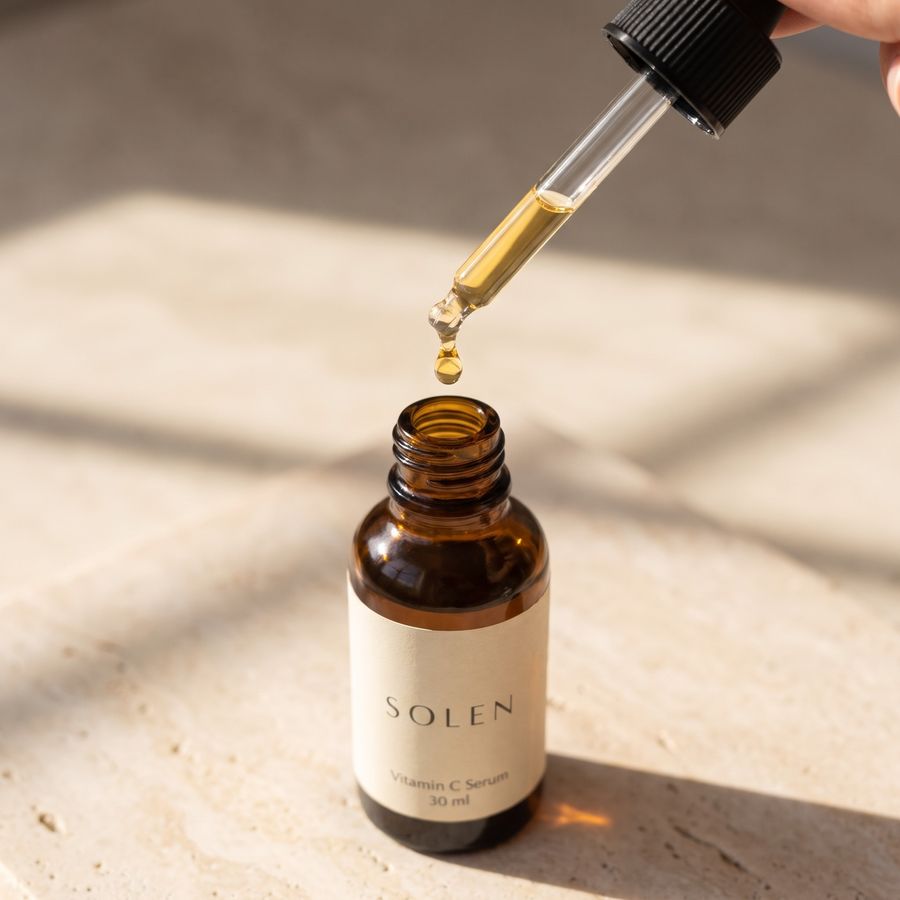
| Detail | A material, a closure or a nozzle, seen closer | Image Studio, from a sharp photo of that detail |
| Scale | The product beside something everyone knows the size of | Image Studio |
| Features infographic | Three or four claims from your bullets, in large real text | Design Lab |
| Dimensions | Width, height and depth over a photo of the product | Design Lab |
| What's in the box | Every item that ships, and nothing that doesn't | Image Studio, or Design Lab with labels |
| A+ modules | Banners and comparison charts for the product description, at each module's size | Design Lab |
Each one starts from photos of your real product, and Image Studio keeps its shape, label and color as they are.
How to brief Domi for a listing
Give Domi what anyone making your listing would ask for first:
- Photos of the real product, front and back and any detail that sells it, sharp and in even light.
- Your title and bullet points, so every infographic says what the listing says.
- The claims you can back, with the numbers from your spec sheet.
- Dimensions and weight, and a list of what's in the box.
- Your buyer and where they use the product, for the lifestyle shots.
- Your brand colors, fonts and logo, for infographics and A+ modules.
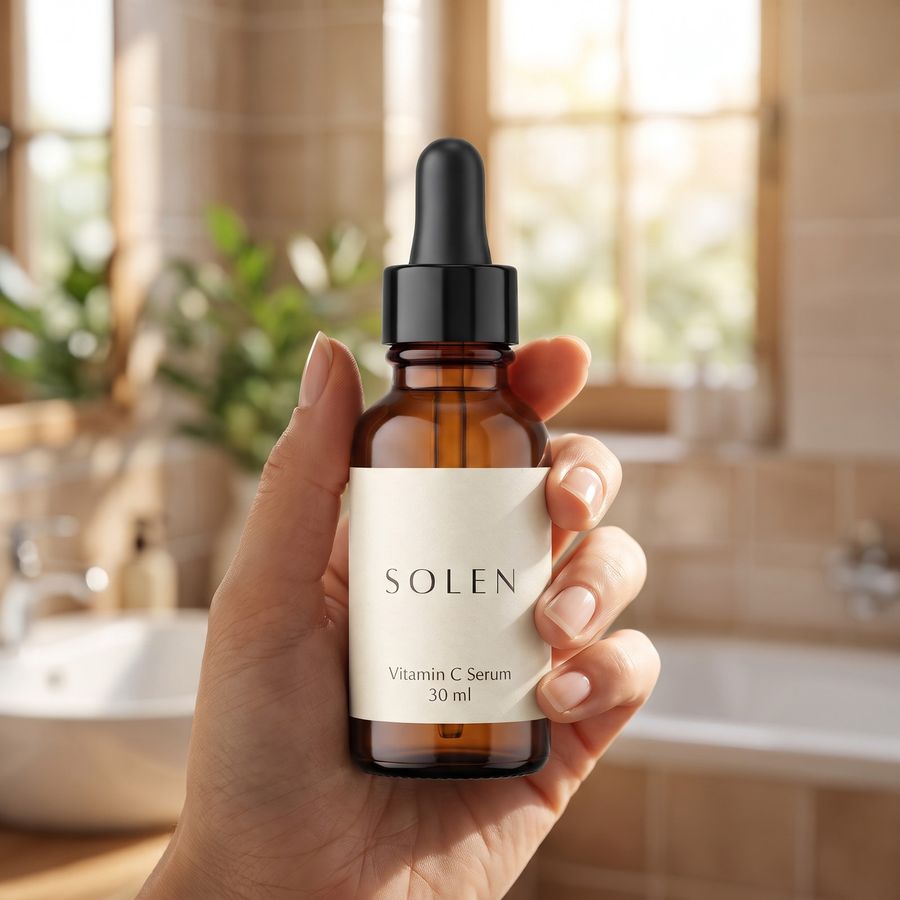
A first message can be this short: “Photos for my Amazon listing. SOLEN vitamin C serum, a 30 ml amber dropper bottle. Main image on white, a lifestyle shot on a bathroom shelf, a detail of the dropper, and an infographic with the three claims from my bullets.”
Infographics and A+ modules shoppers can read on a phone
Amazon's A+ guide asks you to format content for mobile and lists small, unreadable text as not acceptable. Gallery infographics face the same small screen.
- One idea per image, in three or four short lines at most.
- Large type that you can still read at thumbnail size.
- Numbers from your spec sheet, in place of adjectives.
- The same words as your bullets, spelled the same way.
Design Lab sets real, editable text in layers, so every word is spelled the way you wrote it. A wrong word is something you retype, not a reason to start over.
Check your listing images before you upload
- The main image background reads 255, 255, 255 in any color picker, and the product is whole and fills about 85% of the frame.
- Color, scale, quantity and label text match the real product and the title at full size.
- Nothing appears that isn't in the box.
- Each file is at least 1,000 px on its longest side, so shoppers can zoom.
If something is off, circle it and tell Domi what it should be. What you change by hand stays changed, and every earlier version is kept.
What it costs, and listings for clients
Asking Domi is free. In the studios, her replies and every generation use credits, and you see a generation's estimated credit cost before it runs.
Free to start, with free credits every month. Paid plans run from Creator at $14.99 a month to Visionary at $149, and paying yearly saves 20%. See plans and prices.
If you make listings for clients, invite your people by email into a project, review with notes drawn on the images, and send the finished set through one link. See DDream for teams.
Amazon main image rules, as of November 2026
These come from Amazon's US Product image guide. Clothing, footwear and multipacks have extra rules, and so can your category's style guide, so check yours in Seller Central.
- The background is pure white, RGB 255, 255, 255.
- The product fills 85% of the image, whole and uncut, and appears once. Show the front only, not the front and the back together.
- One unit is shown, with only the accessories that come with it.
- Props that aren't included and could confuse a shopper are not allowed. Packaging is allowed only when it's a feature, such as a carrying case or a gift basket.
- The image is realistic and of professional quality, with the product's real scale, quantity and color.
- A lifestyle main image is allowed only for a limited number of product types, with no text or extra logos.
If no main image meets these rules, Amazon may temporarily remove the listing from search until a compliant one is uploaded.
Amazon image file requirements
| Requirement | Amazon's spec, US store, November 2026 |
|---|---|
| File formats | JPEG, which Amazon recommends, or TIFF, PNG or a GIF that isn't animated |
| Size | 500 to 10,000 px on the longest side. 1,000 px or more turns on zoom. |
| Resolution | At least 72 dpi |
| Color mode | RGB preferred. Convert CMYK to RGB, and don't rely on ICC profiles for color. |
| File name for bulk upload | Product identifier, variant code and extension, such as B000123456.MAIN.jpg. MAIN is the main image, PT01 to PT99 the other gallery images, and SWCH a swatch that shows a color. |
| Preparation | Little or no compression, JPEGs saved at the highest quality, all layers removed |
| Not accepted | EPS, BMP, PDF, and app files such as PSD |
Every gallery image must also match the product and its title, with no customer reviews, star ratings, claims such as free shipping, Amazon logos or Amazon badges.
Amazon A+ content sizes and rules
A+ content sits in the product description section of your listing. It is open to brand owners and authorized resellers for ASINs registered to the brand, and Amazon says basic and Premium A+ come at no additional cost. These figures are from Amazon's A+ Content guide, as of November 2026.
| Basic A+ | Premium A+ | |
|---|---|---|
| Image size | 970 × 300 px | 1464 × 600 px |
| Modules on the page | Up to 5 | Up to 7 |
| Module types to choose from | 14 | 19 |
| Video and hotspots | No | Yes |
| Navigation carousel | No | Yes |
Brand Story is separate. It is one carousel module in the “From the brand” section, with up to 19 cards, used alongside basic or Premium A+.
Each module lists its own maximum image sizes in A+ Content Manager. Larger images are scaled down and smaller ones are not scaled up, so make each image at its listed size.
- Files are JPG, BMP or PNG in RGB, not CMYK, under 2 MB and at least 72 dpi.
- Animated GIFs, watermarks and QR codes are not allowed, nor are links, contact details, pricing, promotional language, shipping details, or warranty and guarantee claims.
- Comparison charts may compare only your own products, never a competitor's.
- Text must be readable, images must not repeat your gallery, and every image needs alt text.
Does Amazon allow AI-generated product images?
Amazon's image guide doesn't ban images made or edited with AI. It asks that every image accurately represent the product you sell, and it asks for one disclosure.
Photorealistic people made entirely by AI must be tagged. Before upload, add the keyword contains-synthetic-performer to the file's XMP dc:subject field, and Amazon adds a disclosure where it applies. Amazon's help page shows how:
- On a Mac, open the file in Preview, press Cmd+I, open Keywords, click + and type the keyword.
- On Windows, open Properties, then Details, and type it in the Tags field, not the Subject field.
- For many files at once, the same page gives an exiftool command.
- In A+ Content Manager, you can instead tick the box for people made with AI when you upload to Creative Assets.
Don't tag images with no people, with real people edited with AI tools, or with people who aren't photorealistic.
Questions
Do I need a photo shoot for Amazon product photography?
Amazon product photography needs clear photos of the real product, but not a staged shoot for every scene. In DDream's Image Studio, Domi keeps the product from your photo and makes the white main image and lifestyle scenes around it. Check each one at full size before you upload.
Does Amazon allow AI-generated product images?
Amazon allows product images made or edited with AI as long as each image accurately represents the product you sell, according to its US image guide as of November 2026. Images with photorealistic people made entirely by AI must be tagged before upload, and Amazon then adds a disclosure where it applies.
What are Amazon's main image requirements?
Amazon's main image must show the product alone on pure white, RGB 255, 255, 255, filling 85% of the image, whole and true to its real scale, quantity and color. Files run 500 to 10,000 px on the longest side, and 1,000 px or more turns on zoom, per Amazon's US guide in November 2026.
What size are Amazon A+ content images?
Amazon's A+ Content guide lists 970 × 300 px images for basic A+ and 1464 × 600 px for Premium A+, as of November 2026. Each module also lists its own maximum sizes in A+ Content Manager, so check the module you're using.
What is Amazon A+ content?
Amazon A+ content, also called A plus content, is a section of images, text and comparison charts that brand owners can add to a listing's product description. Basic A+ allows up to five modules and Premium A+ up to seven, with video and carousels. Amazon's review can take up to seven business days.
Sources
Never made an ad or a film? Now you can.
What are we making?
Free to start, with free credits every month.