

Video ads and product videos · Video Studio
Video ads and product videos
Make video ads and product videos with AI, starting from a photo of your product, a script or footage you already have. Domi, DDream's AI creative director, plans the commercial shot by shot, and you approve every shot before it is filmed.
How it works
Say where the video will run
Tell Domi what you're selling, who it's for and where it will play. Drop in a product photo, a script or footage. She takes it all into Video Studio.
Approve the shot plan
Domi writes a shot plan, with each shot and what happens in it. Change any shot in words. Nothing is filmed until you approve it.
Watch the cut, then choose
Domi films the shots you approved and edits them together. Watch the cut, ask for changes to any shot and choose the version that goes out.
Video ad specs by platform
Every platform has its own shape and lays its own buttons over your video. As of November 2026, their help pages said this:
| Placement | Shape | Recommended size | Good to know |
|---|---|---|---|
| Instagram Reels ads | 9:16 | 1440 × 2560 px | Keep about 14% at the top, 35% at the bottom and 6% at each side free of text and logos. Meta calls sound “strongly recommended” and captions “recommended”. |
| Facebook Feed video | 4:5 | 1440 × 1800 px | Captions and sound are optional but recommended. |
| TikTok feed ads | 9:16 recommended. 16:9 and 1:1 accepted | At least 540 × 960 px for 9:16 | The safe zone depends on the shape and the length of your caption, and TikTok publishes safe zone files. Files up to 500 MB. |
| YouTube Shorts ads | 9:16 | 1080 × 1920 px | Google recommends ads under 60 seconds, and only the first 60 seconds play in the Shorts feed. Horizontal videos show with blurred bands above and below. |
| YouTube in-stream and in-feed | 16:9 | 1920 × 1080 px | For reach campaigns, Google lists 15 seconds for skippable ads of both kinds, and 6 seconds for bumpers. |
| Pinterest video ads | 1:1, 2:3, 4:5 or 9:16 | See Pinterest's page | Pinterest recommends square or vertical. |
These are the platforms' numbers. Check your file against each platform's page under Sources before you upload.
Plan the vertical 9:16 version first
Reels, Stories, TikTok and Shorts are all 9:16. TikTok recommends vertical for its feed ads, and Google says vertical is the shape that suits Shorts. If your ad will run in more than one of them, plan the vertical version first.
A vertical ad is more than a horizontal ad cropped. A product on a table reads well in 16:9, but in 9:16 it needs to fill the middle of the frame, close enough to read the label.
So tell Domi where the video will run in your first message. The placement decides how every shot in the plan is framed.
How to brief Domi for a video ad
Brief Domi the way you'd brief a person making the video for you. One message can carry most of it.
- The product arrives as one or more clear photos, which Domi uses as her reference for its label, color and shape.
- One idea makes an ad easier to plan and to remember, such as a launch, a use or a feeling.
- The audience and the placements go together. Say who it's for and whether it runs on Reels, TikTok, Shorts, YouTube or all of them.
- A style sets the look. Video Studio makes product commercials, cinematic drama, animation drawn by hand, stop motion, music videos, documentary, 3D animation and 1960s fashion films. Name one, or describe a video you like.
- What you already have is where Domi starts, whether that is a script, a rough storyboard or footage to edit together.
- What must not happen belongs in the brief too, like claims you can't make, a competitor's colors or the product used in a way it never is.
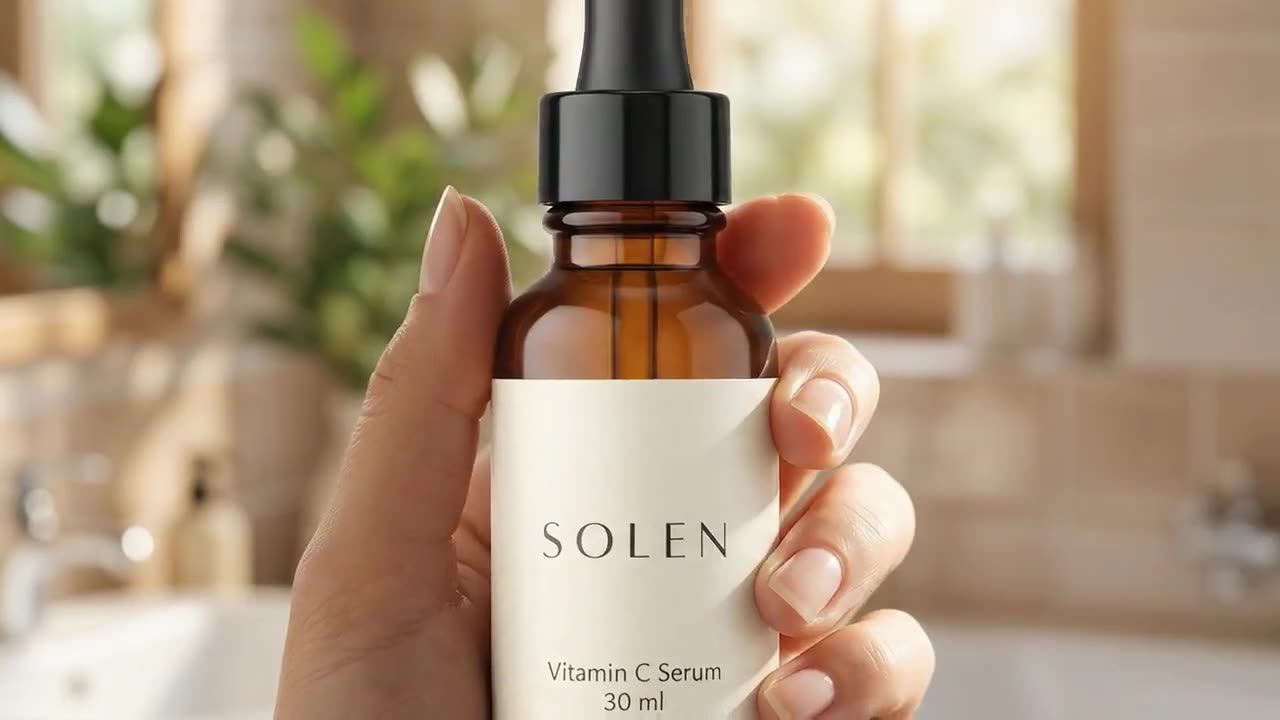
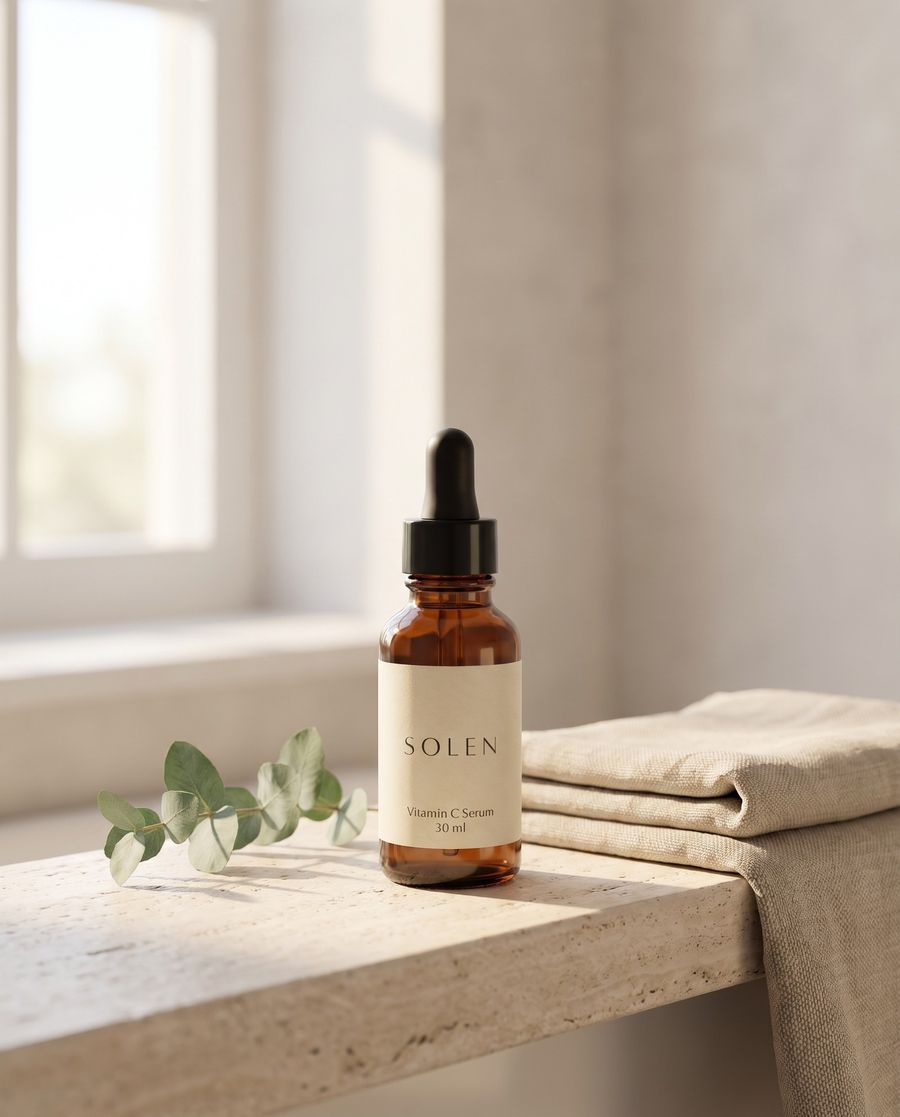
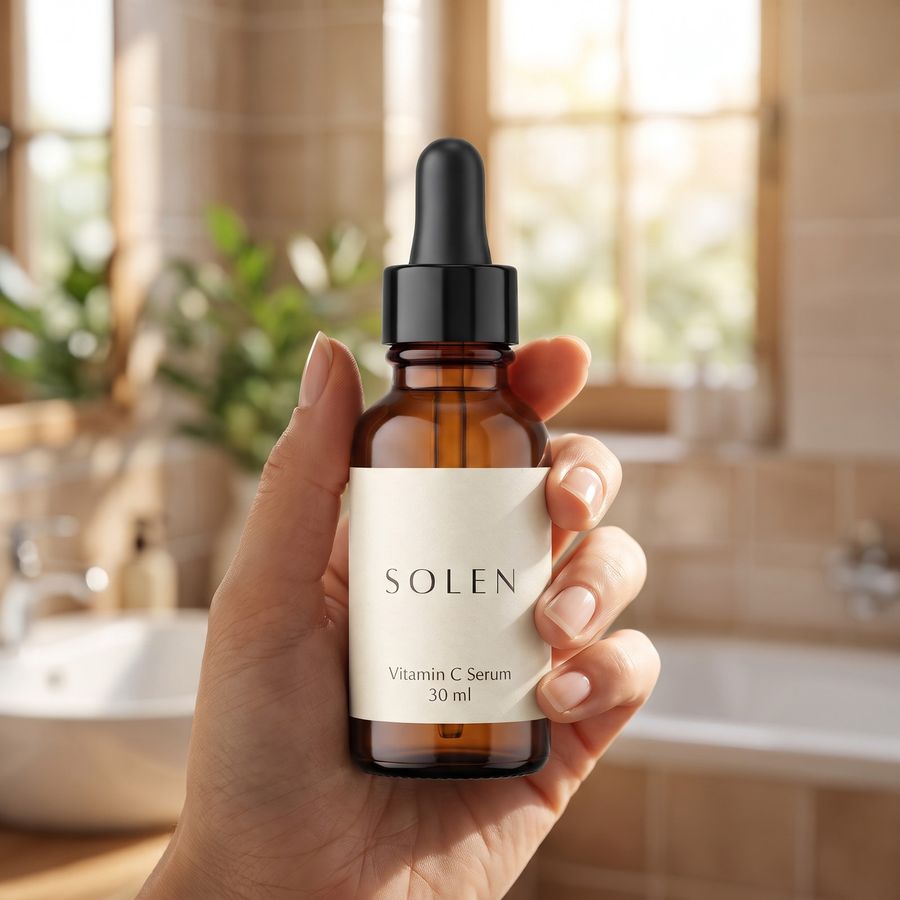
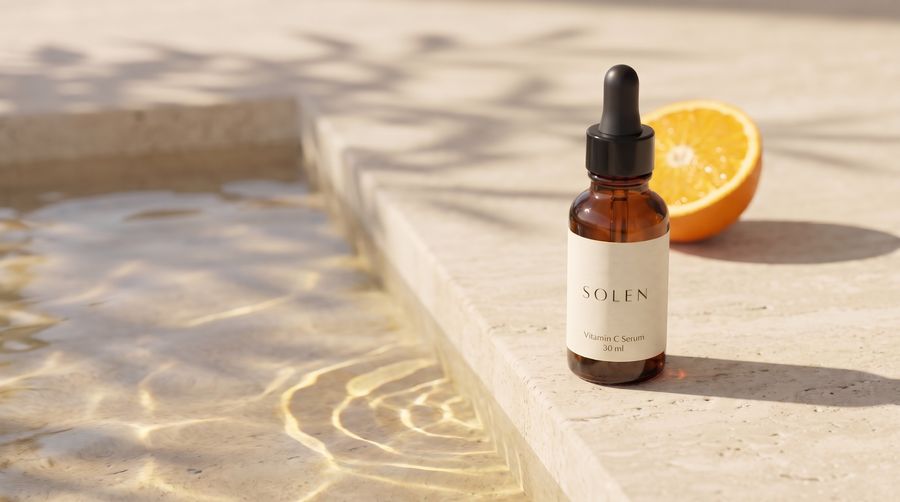
A first message might read “SOLEN vitamin C serum, photos attached. A vertical video ad for Reels and TikTok, three shots. A slow push in on the bottle in morning light, a hand turning it to the light, then the bottle by a sunlit pool. Calm and clean. Keep the label as it is in my photo.”
Below are short clips in eight of those styles.
Why the shot plan comes before the filming
Many problems in a video ad start in the plan. The opening shot is wrong, the message comes too late, or the product is barely on screen. A shot plan you can read in a minute catches these before anything is filmed.
In Video Studio, Domi writes the plan first and you approve it. Change the order, cut a shot or ask for a closer shot of the label, all in words while it is still a plan. Then she films what you approved.
The same product and the same cast are held across the shots. The bottle in the third shot is the bottle in the first, and a person who appears twice looks like the same person.
A plan is ready to film when it passes four checks:
- The first shot shows the product or gives people a reason to keep watching.
- The message is one idea, and it lands before the end.
- Each shot adds something the one before it didn't.
- The last shot leaves the product and its name on screen.
What to check before you publish a video ad
- The ad in motion shows what a still hides, like a label that shifts or a hand that changes partway through a shot. Watch the whole ad at full size, then on a phone.
- The product in every shot should match your photo in label, color, shape and cap. If one shot drifts, tell Domi what's wrong in that shot.
- Sound off and sound on both need to work. Meta recommends captions, so make sure the ad makes sense on mute and add captions before you upload if your placement needs them. Google recommends sound for Shorts ads, with music, voiceover or both, and Meta calls sound strongly recommended for Reels.
- The safe zones keep your words visible. Leave the top 14%, the bottom 35% and the outer 6% of a Reel clear, and check a TikTok frame against TikTok's safe zone file.
- Claims and rights are yours to confirm. Each platform reviews ads against its own policies, so make sure what the ad says about the product is true and that you have the rights to any footage, music or logos you bring.
- The file size has limits. Meta takes video files up to 4 GB, and TikTok feed ads take files up to 500 MB.
Common mistakes with video ads
- One horizontal cut everywhere shows with blurred bands on Shorts and as a small strip in a tall screen on Reels and TikTok.
- A late message misses everyone who scrolls away early. Put the reason to care near the start.
- A video that doesn't match the stills makes the campaign look like three brands. Start your product photos, ads and video from the same look.
From one product photo to a whole launch
From the same product photo, Domi also makes product photos for your store in Image Studio, and ads in every size and posters with real text in Design Lab. One brief keeps the product, the look and the message the same everywhere.
For something longer than an ad, such as a short film from a script, a short drama or a music video, Domi starts the same way, from a storyboard you approve.
If you make videos with other people, invite them to the project to work with Domi there. Notes are drawn on the work and go to whoever made it, your client watches through one link, and a team wallet can give each project its own budget. More on teams.
Questions
Can AI make a commercial for my product?
Domi, DDream's AI creative director, makes video ads and product commercials from a photo of your product, a script or footage you already have. She plans the shots first, and you approve every shot before it is filmed. Your product stays the same from the first shot to the last.
How is DDream different from an AI commercial generator?
DDream plans a commercial with you shot by shot before anything is filmed, instead of turning one prompt into one clip. Domi asks only what changes the work, writes the plan, films the shots you approved and edits them together. Nothing is final until you choose it, and every version is kept.
Can I make a product video from a photo?
DDream makes a product video from a single photo of your product. Drop the photo in when you tell Domi what you need, and she plans the video around it, using the photo as her reference so the product stays the same across the shots. She can also bring a still photo to life.
Will my product look the same in every shot?
Domi holds the same product, and the same cast, across every shot of a video made in DDream's Video Studio. Watch the finished ad in motion before you publish. If one shot drifts, tell her what's wrong in that shot.
What aspect ratio should a video ad be?
A video ad for Reels, TikTok or YouTube Shorts should be vertical 9:16. As of November 2026, that is what Meta lists for Reels ads, what TikTok recommends for its feed ads and the shape Google says suits Shorts. Facebook Feed video is 4:5, and YouTube in-stream ads are horizontal 16:9.
How much does it cost to make a video ad on DDream?
Making a video ad on DDream is free to start, with free credits every month. No credit card needed. Telling Domi what you need is free. Once you are making the video in Video Studio, her replies and every generation use credits, and you see a generation's estimated credit cost before it runs. Paid plans start with Creator at $14.99 a month for 1,600 credits. See plans and prices.
Sources
Never made an ad or a film? Now you can.
What are we making?
Free to start, with free credits every month.