

Compare · Canva
DDream vs Canva for posters, ads, product photos and video
DDream is a Canva alternative for people who would rather brief an AI creative director than design by hand. You tell Domi what the poster, ad or video is for, and she shows you options to choose from.
 Night sky
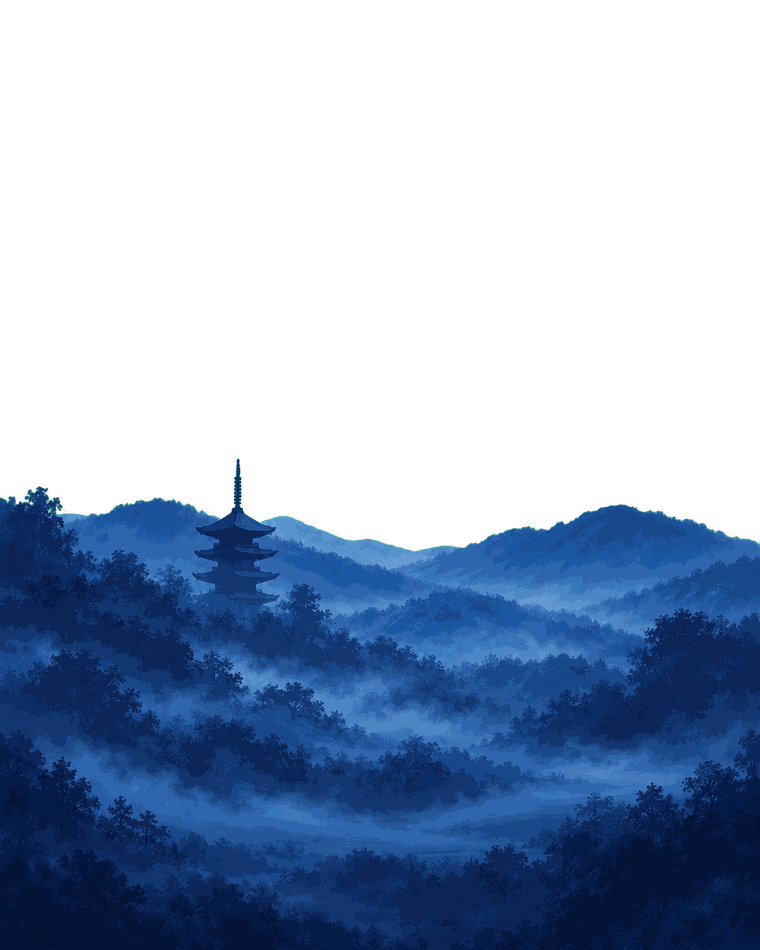 Hills and pagoda
 Cherry trees
 Lanterns
 Flowers
How it works
Say what the poster is for
Tell Domi the event or product, where the poster will go and the words that must appear, word for word. Drop in your logo or a photo.
Choose a direction
In Image Studio, Domi draws your words into the artwork and shows you a few directions. Pick the one closest to what you pictured.
Fix a word, take every size
Point at a wrong word or circle a spot and say what it should be. Then take the same poster in every size you need.
What DDream does when you brief instead of design
On DDream every piece starts as a brief. You tell Domi, DDream's AI creative director, what it is for in a few plain sentences, the way you'd brief a person. There are no prompts to write, and she asks only what changes the work. Then she takes it to the studio built for it and shows you a few directions to choose from.
From one conversation, Domi makes these:
- Posters and banners with your title, dates and details drawn into the picture, in every size you need, from a print poster to a story, a feed post and an event page.
- Ads in every size from a photo of your product and the headline you type, from a square feed post to a story and a display banner.
- Product photos that keep your product's shape, label and color, in lifestyle and campaign scenes up to 4K.
- Video ads and product videos, planned shot by shot. You approve every shot before it is filmed, and the product stays the same from the first shot to the last.
- Short films, short dramas and music videos from a script, a book chapter or one sentence, with the same cast in every shot.
- Logos, animated GIFs and stickers, also made in Image Studio.
A first message can be this short. “A launch poster for NAMI sparkling yuzu soda, photo of the can attached. The headline is ‘Summer, in a can.’ A3 for the window, plus an Instagram story and a feed post. Keep the can as it is in the photo.”
You change the work by pointing at it. Circle a wrong word, a date or any spot and say in one sentence what it should be, and Domi changes that part and leaves the rest. What you move or change by hand stays changed, and every version is kept, so you can go back to any of them.
Image Studio keeps your brand kit, so Domi uses your logo, colors and fonts in every piece. A launch can start from one brief, with product photos, ads, a video ad and posters sharing the same product and look.
To work with other people, invite them to a project by email. Everyone shares one brief and one library with every version, notes are drawn on the work and go to whoever made it, and your client sees the work through one link. More on teams.
Who Canva suits
Canva is a design platform built around templates, stock and editing a design yourself, with Canva AI inside it. It suits people who want to lay out and edit the design themselves, across documents, presentations and social posts, and teams who edit the same design at the same time. If that is how you like to work, pick Canva.
DDream and Canva side by side
The facts about Canva below come from its own site, read on 18 November 2026.
| DDream | Canva | |
|---|---|---|
| What it is | Domi, an AI creative director, makes the work with you from a conversation | A design platform with templates, stock and an editor, and Canva AI inside it |
| How a piece starts | From a few plain sentences to Domi about what it is for, with your words as they should read and your logo or a product photo | From a template or a blank design you edit by drag and drop, or from a description to Canva AI by text or voice |
| Changing one part | Point at a word or circle a spot and say what it should be. Domi changes that part and leaves the rest | Edit the text and each element yourself in the editor |
| Product photos | Product photos that keep your product's shape, label and color, in new scenes up to 4K | A photo editor with AI editing tools, and mockups |
| Video | Video ads, product videos, short films, short dramas and music videos, with every shot approved before it is filmed | A video editor, and image to video with Canva AI |
| Brand | Image Studio keeps your brand kit, so Domi uses your logo, colors and fonts in every piece | Brand Kits for your logos, colors and fonts |
| Working together | Shared projects with one library and every version, notes drawn on the work and one link for your client | People edit the same design at the same time, with comments and link sharing |
Using Canva and DDream together
- Decks, documents and everyday posts you like to lay out yourself stay in Canva.
- Pieces you would rather brief, such as a launch poster, product photos, ads in every size or a video ad, go to Domi, with your logo or a product photo dropped in.
- Work with other people goes into a DDream project, where you invite them by email and send your client one link.
To try it, bring one real brief, such as the next poster you need. DDream is free to start, with free credits every month, and each generation shows its estimated credits before it runs. See plans and prices, or how posters with your text are made.
Questions
Is DDream a Canva alternative with AI?
DDream is a Canva alternative for people who would rather brief an AI creative director than design by hand. You tell Domi what the poster, ad, product photo or video is for, she shows you options, and you change any part by pointing at it. If you want to lay out and edit the design yourself across documents, presentations and social posts, Canva suits that way of working.
Can I edit the text on an AI poster in DDream?
You can change any word on a poster made in DDream's Image Studio by pointing at it and telling Domi what it should say. She fixes that word without making a new poster, and the same poster comes in every size you need. What you change by hand stays changed, and every version is kept.
Is DDream a Canva alternative for video?
DDream makes video ads, product videos, short films, short dramas and music videos in Video Studio, starting from a photo of your product, a script or footage you already have. Domi plans the video shot by shot, you approve every shot before it is filmed, and the product and the cast stay the same across the shots.
Can my team work together in DDream like in Canva?
Teams work together in DDream through shared projects, with people invited by email. Everyone shares the brief and one library with every version, can open and continue each other's sessions with Domi, and leaves notes drawn on the work that go to whoever made it. Your client sees the finished work through one link, and a team wallet can give each project its own budget.
Is there a free Canva alternative with AI?
DDream is free to start, with free credits every month and no credit card needed. Telling Domi what you need is free. In the studios, her replies and every generation use credits, and each generation shows its estimated credits before it runs. Paid plans start with Creator at $14.99 a month for 1,600 credits. See plans and prices.
Never made an ad or a film? Now you can.
What are we making?
Free to start, with free credits every month.