

Compare · Photoroom
DDream vs Photoroom for new product photos and ads
DDream is a Photoroom alternative for making new product photos, video ads and posters from a brief, while Photoroom edits product photos in bulk. Domi, DDream's AI creative director, starts from one photo of your product and makes new scenes, a video ad and posters with you.
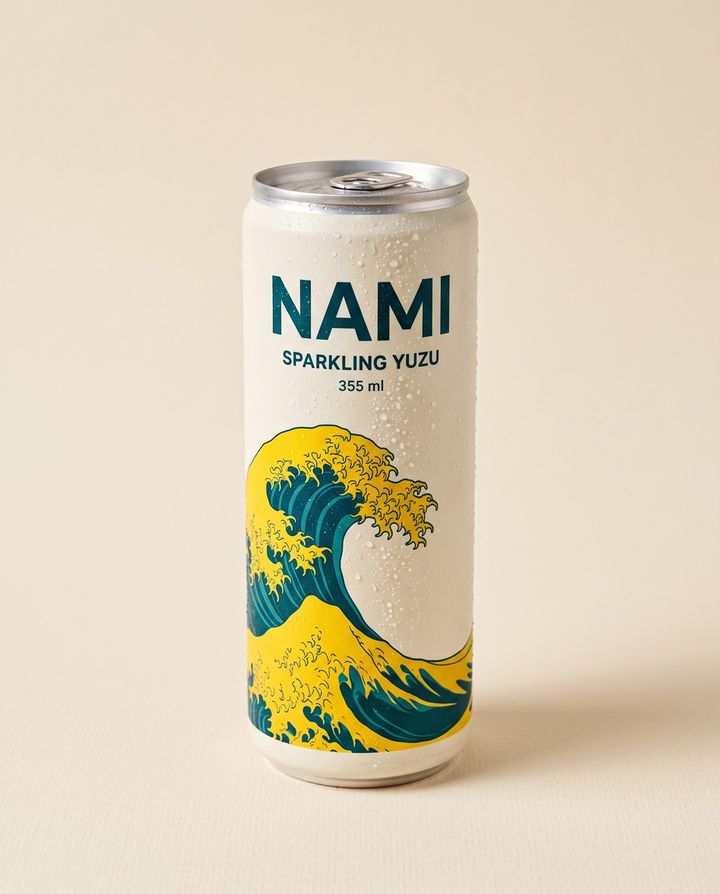
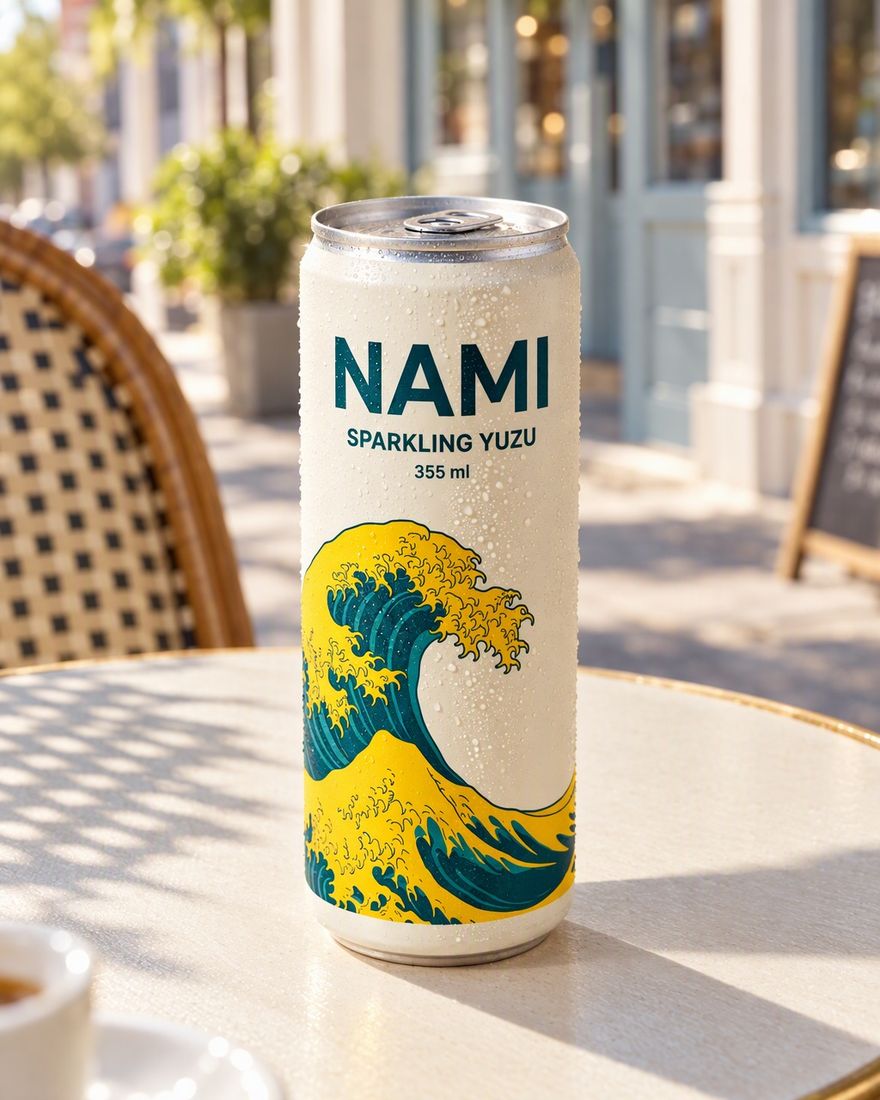 Studio photoDomi's scene

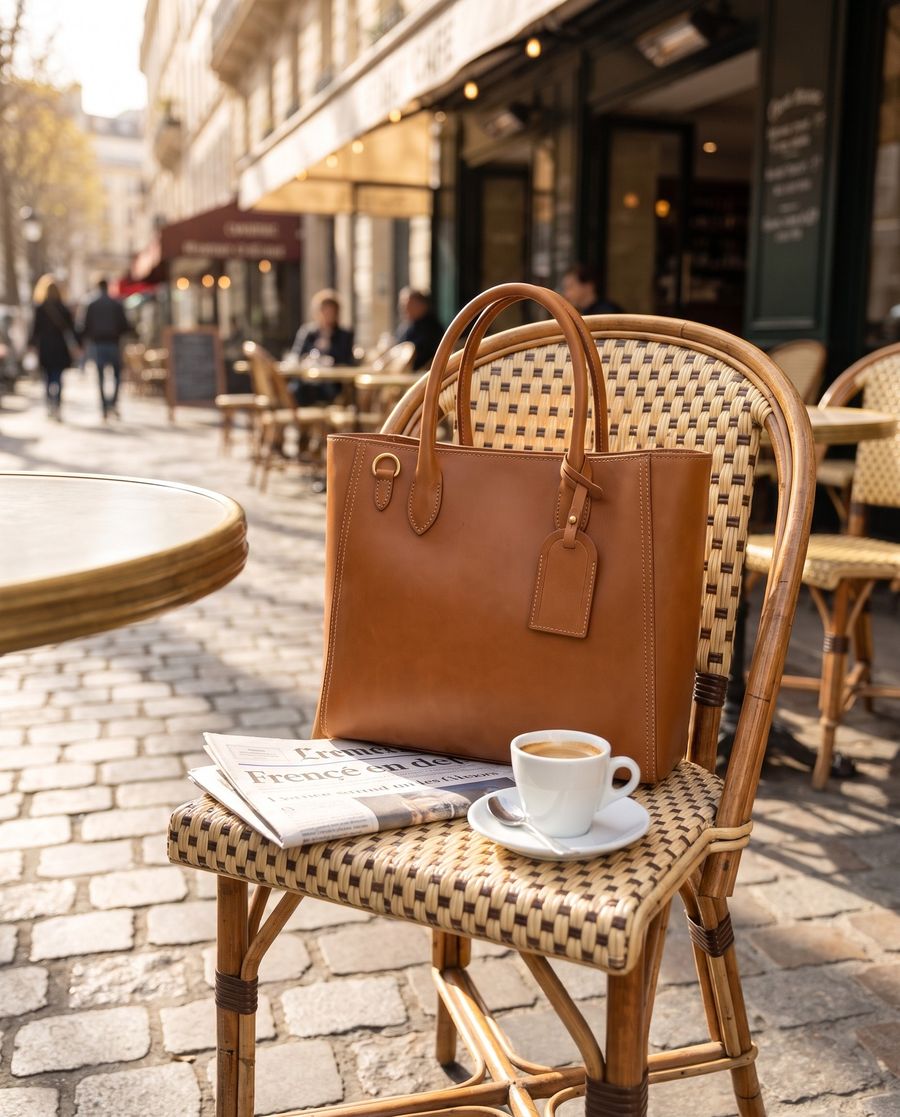 Studio photoDomi's scene
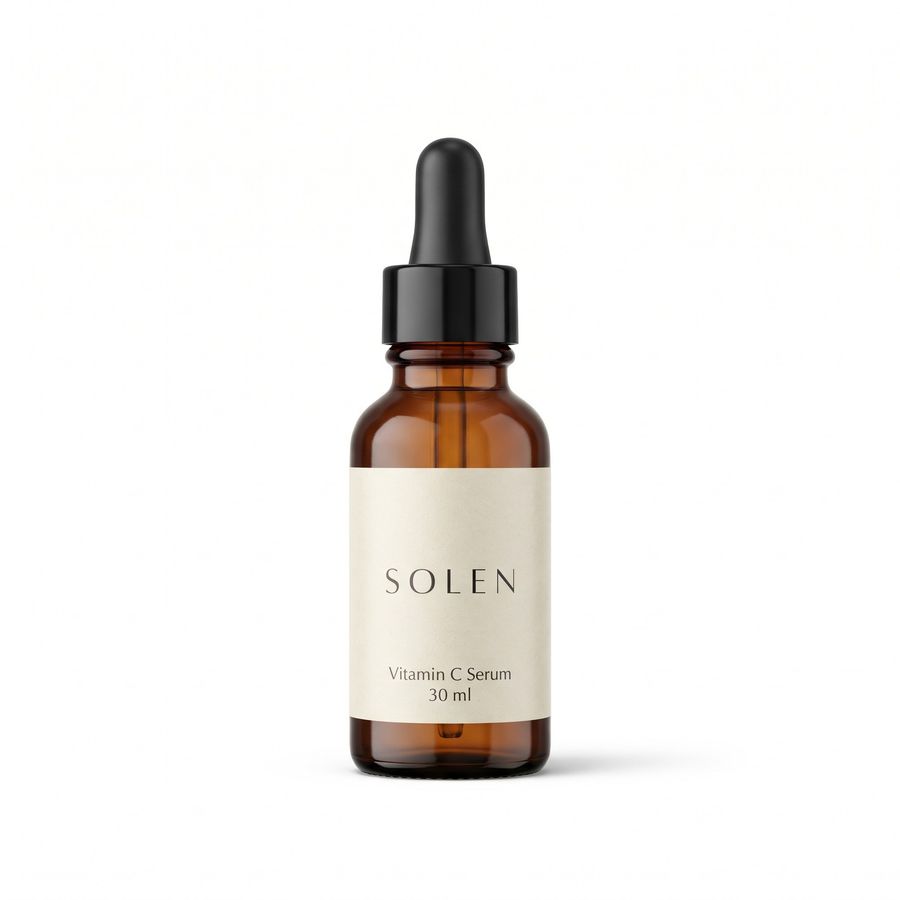
 Studio photoDomi's scene

 Studio photoDomi's scene
How it works
Bring one photo of the product
Drop it in and tell Domi what the pictures are for, such as a spring launch, a new listing or an Instagram post.
Choose from three looks
Domi stages the product in Image Studio and shows you three looks. Circle anything that should change and say what it should be.
Every size, then video and posters
Get the look you chose in every size you need, up to 4K. From the same brief and photo, ask for a video ad or posters.
What DDream makes from one product photo
DDream is for making new pictures and ads of a product you sell. Bring one clear photo, whether a phone photo, a studio photograph or a 3D render on white, and tell Domi, DDream's AI creative director, what the pictures are for. She asks only what changes the work, and there are no prompts to write.
- Product photos that keep your product as it is. Image Studio makes the scene and the light new and keeps the product's shape, label and color, from catalog shots on pure white to lifestyle and campaign shots. Domi shows you three looks to choose from.
- Retouching takes dust, glare and busy backgrounds off photos you already have.
- Every size comes from the look you choose, up to 4K and in any aspect ratio, so one look serves a store page, a feed post and a story.
- Changes in plain words. Circle the part or say what should change. Domi changes that part and leaves the rest, and every earlier version is kept.
- Ads and posters carry your headline, title and dates drawn into the picture, in every size.
- Video ads and product videos are made in Video Studio. Domi writes a shot plan, you approve every shot before it is filmed, and your product stays the same from the first shot to the last.
One brief keeps the product, the look and the message the same everywhere, so the photos, the ads, the posters and the video come back as one launch. Nothing is final until you choose it.
To work with other people, invite them by email into a project. You share one brief and one library, review with notes drawn on the work, and send the finished set to a client with one link. See DDream for teams.
Who Photoroom suits
Photoroom is an AI photo and video editor for online sellers. It is strong at editing a catalog in bulk, with batch edits, background removal and resizing across many photos at once, and it has apps for iPhone, iPad and Android beside its web app. You can also describe a change in plain language, and it offers an Image API. If your week is cutting out, cleaning up and resizing hundreds of product photos you already have, Photoroom is built for that job.
DDream and Photoroom side by side
The facts about Photoroom below come from its own site and help pages, read on 18 November 2026.
| DDream | Photoroom | |
|---|---|---|
| What it is | Domi, an AI creative director, and the studios where she makes the work with you | An AI photo and video editor for online sellers |
| Made for | Making new product photos, video ads and posters from a brief | Editing product photos in bulk, from background removal to resizing |
| How you work | Tell Domi what the pictures are for. She asks what changes the work and shows you options | Apply its tools to one image or a whole batch, or describe a change in plain language |
| Product photos | New scenes and light around your product, with its shape, label and color kept. Three looks, up to 4K, any aspect ratio | AI backgrounds and shadows, product staging, and fashion tools such as virtual try-on |
| Video | Video ads and product videos with every shot approved before filming, and short films, short dramas and music videos from a storyboard you approve | Video ads and product videos |
| Your brand | A brand kit in Image Studio, so Domi uses your logo, colors and fonts in every piece | A Brand Library for your colors, logos and fonts, and its own templates |
| Working as a team | Shared projects, one library with every version, review with notes drawn on the work, one link for the client | Spaces where members share designs |
Using Photoroom and DDream together
The two fit side by side, one for the catalog and one for the launch.
- Photoroom for the catalog. Keep removing backgrounds and resizing product photos in bulk, as you do today.
- DDream for the launch. Bring one clean photo of the product to Domi, such as a shot on white, and ask for lifestyle and campaign shots, then a video ad and posters of the same product.
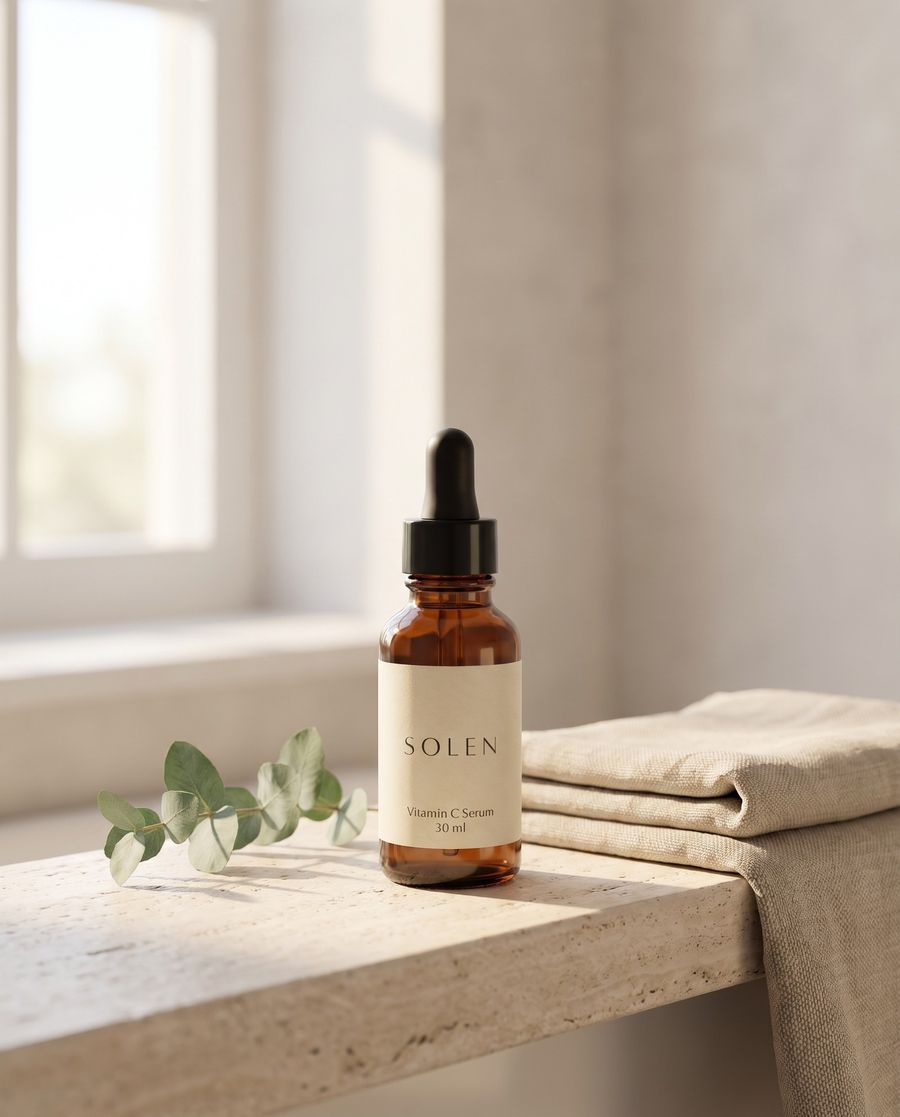
To try DDream, start with one brief in a few plain sentences. A brief for the SOLEN serum above could read “Photos for our store page and Instagram. Our SOLEN vitamin C serum on a bathroom shelf in soft morning light, warm and clean, for women with a short skincare routine. Square for the store, 4:5 for the feed. The amber glass and the label stay as they are.”
See how product photos work in Image Studio, or see plans and prices.
Questions
Is DDream a Photoroom alternative?
DDream is a Photoroom alternative when you want new product photos, video ads and posters made with you from a brief. If your main job is removing backgrounds and resizing many photos at once, Photoroom is built for that, and you can keep it for the catalog while DDream makes the launch.
How is DDream different from Photoroom?
DDream makes new pictures and ads of your product with you, while Photoroom is an AI photo and video editor that edits product photos one at a time or in bulk. On DDream you tell Domi, its AI creative director, what the pictures are for, she shows you options, and nothing is final until you choose it. The same brief carries on to a video ad and posters in every size.
Can DDream remove the background from a product photo?
DDream's Image Studio can put your product on pure white or a clean color, take busy backgrounds off photos you already have, and set the product in a new scene with its shape, label and color kept.
Can DDream make a video ad from a product photo?
DDream makes video ads and product videos from a single photo of your product, in Video Studio. Domi writes a shot plan, you approve every shot before it is filmed, and the product stays the same from the first shot to the last. More on video ads.
How much does DDream cost?
DDream is free to start, with free credits every month and no credit card needed. Each generation shows its estimated credits before it runs. Paid plans are Creator at $14.99 a month for 1,600 credits, Pro at $49.99 for 6,000 and Visionary at $149 for 18,000, and yearly billing saves 20%. See plans and prices.
Never made an ad or a film? Now you can.
What are we making?
Free to start, with free credits every month.